
Email support buying guide
Best email-only help desk software
Compare focused and email-first help desks for small teams that need ownership, automation and reporting without a complex omnichannel platform.
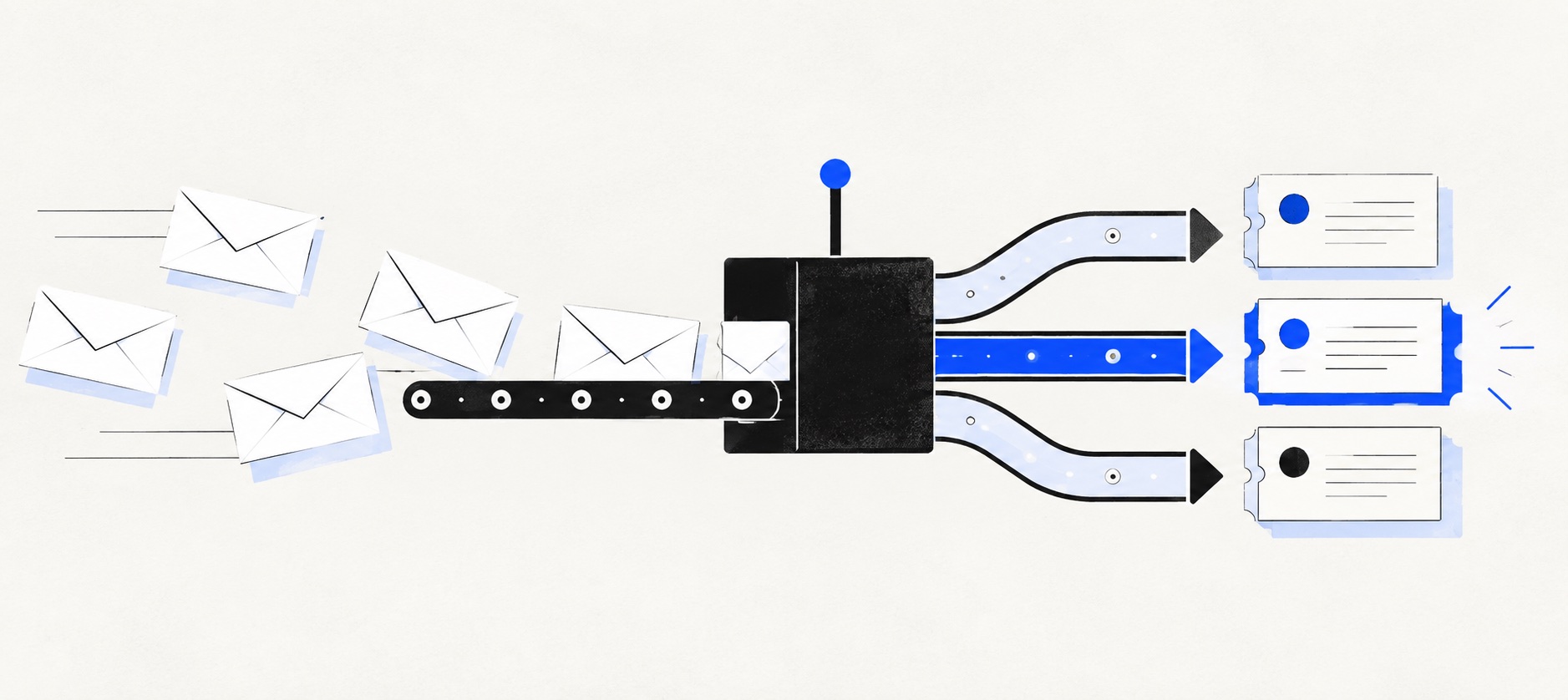
“Email-only” should mean email-first purchasing, not a product physically incapable of adding another channel.
Prioritise ownership, threading, collision control, deliverability, automation and reporting over channel count.
Test the lowest plan that covers the complete email workflow and disable unnecessary channels during the pilot.
Product shortlist
Six credible help desks for an email-first team
Official logos make products identifiable.

HelpDesk
Best for: Small teams that want ticketing, website chat and useful automation without an enterprise platform
A focused support workspace combining ticketing, a shared inbox, website chat, messaging channels, automation and reporting in one entry plan.
$19 per user/monthEssential, billed annually; checked September 2026
Useful strengths
- Ticketing, website chat and messaging channels on Essential
- 14-day trial without a credit card
Watch for
- There is no permanent free plan
- Extra AI resolutions can add usage cost
- 14-day trial
- Email, chat and messaging
- Per-user pricing

Freshdesk
Best for: Growing teams that need proper ticketing, self-service, automation and reporting
A broad email-first help desk with ticketing, a shared inbox, a customer portal, knowledge base and out-of-the-box reporting on its entry paid plan.
$19 per agent/monthGrowth, billed annually; checked September 2026
Useful strengths
- Ticketing, shared inbox and knowledge base on Growth
- Clearer route into routing, SLAs and custom reporting
Watch for
- Omnichannel needs differ from the email-first Freshdesk plan
- AI and connector usage can add cost
- Free trial
- Email-first help desk
- Per-agent pricing

Zoho Desk
Best for: Budget-conscious teams and businesses already using the Zoho ecosystem
The free edition covers three users and email ticketing. Paid tiers add broader messaging, knowledge-base, reporting, automation and telephony capabilities in stages.
Free for 3 usersPaid plans vary by selected billing currency; checked September 2026
Useful strengths
- Three-user free edition
- Broad channel and Zoho integration range
Watch for
- Plan and currency selectors make budgeting less immediate
- Live chat and advanced routing are plan-dependent
- 15-day trial
- Free edition
- Three users on free plan

Zendesk
Best for: Teams that expect multiple channels, mature routing and increasing operational complexity
The Support Team plan supplies core email ticketing, routing, analytics and automations. The broader Suite adds live chat, messaging, telephony and a knowledge base.
£15 per agent/monthSupport Team, paid yearly; checked September 2026
Useful strengths
- GBP pricing and a clear entry ticketing plan
- Strong upgrade path for multichannel operations
Watch for
- Suite Team rises to £45 per agent/month
- Small teams may buy more process than they need
- 14-day trial
- GBP pricing available
- Per-agent pricing

HubSpot Service Hub
Best for: Businesses that want support, sales and marketing activity on one customer record
Free tools cover basic ticketing, inbox and live chat. The dedicated advanced help-desk workspace, knowledge base, SLAs and deeper routing are concentrated in Professional and Enterprise.
Free for up to 2 usersProfessional from $90/seat/month annually plus onboarding; checked September 2026
Useful strengths
- Support history beside CRM, sales and marketing data
- Free entry tools and a large integration marketplace
Watch for
- Advanced help desk features require a large price jump
- Professional has mandatory onboarding cost
- 14-day trial
- CRM-connected service
- Two users on free tools

Gorgias
Best for: Online shops that need order context and ecommerce actions inside support conversations
Unlike per-seat tools, Gorgias prices its help desk by billable ticket volume. Its strongest case is the depth of its Shopify and ecommerce workflow integrations.
$10/month for 50 ticketsStarter includes 3 agent seats; checked September 2026
Useful strengths
- Deep Shopify order context and actions
- Costs scale by tickets rather than only by agent seats
Watch for
- Overages and AI resolutions need modelling
- Entry plan is email-only and has limited operations features
- 7-day trial
- Shopify-focused
- Ticket-volume pricing
An email-only support team does not need the software with the most channels. It needs a reliable queue: messages must thread correctly, show an owner, avoid duplicate replies, preserve customer history and produce enough evidence to manage workload.
Most credible help desks now offer more than email. That is not a reason to reject them. The useful buying discipline is to select and configure an email-first plan, then pay for chat, voice or social messaging only when a documented customer need and staffing model exist.
Quick shortlist
| Product | Best email-first use | Entry reference | Watchpoint |
|---|---|---|---|
| HelpDesk | Focused small queue | $19/user/month annually | 3 Essential rules |
| Freshdesk | Email plus self-service | $19/agent/month annually | Pro upgrade |
| Zoho Desk | Value-led entry | Free for up to 3 users | Edition boundaries |
| Zendesk | Future service depth | £15/agent/month annually | Suite comparison |
| HubSpot Service Hub | CRM-connected email | Free for 2; Starter from $7 annually | Professional cost |
| Gorgias | Ecommerce email | $10 for 50 tickets and 3 seats | Volume and AI charges |
The plans are not equivalent. Treat the price as a navigation point, then confirm threading, automation, reports, knowledge and integrations on the exact edition.
1. HelpDesk: best focused email queue
HelpDesk is the strongest general recommendation for a small team that wants accountable email without adopting a large platform. Essential is $19 per user each month on annual billing and includes website chat if the team later needs a limited real-time channel.
Its contained design is useful when the owner of support also runs another function. Tickets, groups, internal collaboration and saved replies cover the core workflow without requiring a complex service architecture.
Essential includes three ticketing rules, so count the required routing before buying. Billing, urgency, product and customer type can already exceed that allowance. Also understand included and additional AI-resolution usage.
2. Freshdesk: best for email plus knowledge
Freshdesk Growth costs $19 per agent each month annually and includes email ticketing, a portal, knowledge base and standard analytics. It is the best entry bundle when repeat questions should be answered through maintained self-service.
The product provides a credible growth path into Pro at $55, which adds more developed routing, service policies and custom reporting. That path is valuable when support is becoming a formal operation.
Freshdesk's standard plans are best understood as email-first. If the requirement later expands across channels, compare Freshdesk Omni rather than assuming Growth contains the full omnichannel offer.
3. Zoho Desk: best permanent free entry
Zoho Desk advertises a free edition for up to three users. A very small email team can therefore gain ticket ownership and history before licence cost is justified.
Free does not mean unrestricted. Verify email setup, automation, reporting and self-service against the free feature list, then price the first suitable paid edition. A business already using Zoho applications may gain extra value from shared context.
Zoho Desk is ideal for a cautious pilot when budget is the main obstacle. Avoid building workarounds around the free boundary if a paid requirement is already obvious.
4. Zendesk: best for a queue likely to become a platform
Zendesk Support Team starts at £15 per agent each month annually in the UK. It provides a route into recognised ticketing without immediately buying the broader suite. Suite Team is £45 and Suite Professional £89.
Choose Zendesk when email is the current channel but the operation is likely to require a help centre, messaging, formal policies and advanced reporting. The deeper platform can prevent a later migration.
The risk is buying future complexity too early. Compare Support Team and the relevant suite feature by feature, and appoint an administrator before adding fields and rules.
5. HubSpot Service Hub: best when email needs CRM context
HubSpot has free service tools for two users and Starter from $7 per seat each month annually. It becomes compelling when the same customer record already supports sales and marketing work.
An agent can use relevant CRM history rather than copying email outcomes manually. This may improve an email-only workflow more than adding channels. Data accuracy and permissions are essential.
Advanced service requirements can lead to Professional at $90 per seat annually plus a $1,500 onboarding fee. Price that tier as soon as developed automation or reporting enters the plan.
6. Gorgias: best for ecommerce email
Gorgias Starter is $10 for 50 tickets and three seats, while Basic is $60 for 300 tickets. Its value is not email handling alone; it is the ability to place order context and supported store actions beside the conversation.
That can make Gorgias the best email help desk for a retailer, even when another option is cheaper per agent. Test delivery, cancellation, refund and product-advice cases against the actual store integration.
Ticket bands and AI outcomes make seasonal forecasting important. A quiet-month price is not a defensible annual budget for ecommerce.
Email features that matter most
Begin with threading. Replies, forwards, aliases and reopened conversations should attach to the correct history. Test attachments, CC behaviour, mail loops and messages sent from a customer's new address. Confirm the shared From identity and sending-domain authentication.
Ownership must be explicit. An unread marker is not an assignee. Agents need to see who is responsible, when a conversation is waiting and what returns to the active queue. Collision warnings or drafting visibility reduce double replies.
Private notes, saved replies and searchable history should speed work without exposing internal content. Permissions need to protect sensitive queues. Mobile access may matter for a tiny team, but it should not encourage unsafe out-of-hours service.
Automation without overengineering
Useful email automation begins with acknowledgement, assignment, priority and escalation. Write rules in plain language before configuring them. If the rule cannot be explained to a new agent, simplify it.
Avoid automating closure too early. Measure how often customers reply after a supposed resolution and how exceptions return to the queue. AI suggestions need review and a clear source of approved knowledge.
A small team may need only three reliable rules. The product should make those rules visible and testable. Automation count is not a substitute for a clean process.
Reporting for an email-only team
The essential measures are backlog, age, first response, resolution, reopen rate, contact reason and workload. Define business hours and exclusions before comparing dashboard screenshots.
Reports should lead to action. A rise in delivery questions may need a website or fulfilment fix; repeated password issues may need a knowledge article. Agent-level numbers require context and should not become a crude productivity league table.
Test one weekly report in every trial and export the underlying data. If managers cannot reproduce the number, it will not build trust.
Do you need another channel?
Add chat only if the team can staff it and if faster interaction improves the customer journey. Add voice when the issue genuinely benefits from conversation and recording or consent needs are understood. Add social messaging when customers already use it for service.
Do not add channels because the plan includes them. Every channel creates expectations, identity rules, reporting and staffing. A clear promise such as “we reply to email within one working day” can outperform poorly staffed real-time support.
Trial and migration
Connect a low-risk mailbox and send ten representative conversations, including a forward, CC, attachment, repeat customer, auto-reply and reopened issue. Test ownership, collision behaviour, spam, saved replies, escalation and export.
Keep the original mailbox as a controlled archive or integration point, but establish one place from which agents reply. Migrate only useful history and map inconsistent folders or labels into a smaller status model.
Have a normal agent work without guided setup and an administrator change one rule. Record completion time, errors and the plan required for each capability.
Final recommendation
Choose HelpDesk for a focused general email queue, Freshdesk for knowledge and a broader support path, Zoho Desk for free entry, Zendesk for future service depth, HubSpot for CRM context or Gorgias for ecommerce order work.
The best email-only help desk is the one that makes email reliable and measurable without making the operation unnecessarily complex. Buy for the workflow in front of the team and keep optional channels switched off until the evidence changes.
Sources
- HelpDesk pricing
- Freshdesk pricing
- Zoho Desk pricing
- Zendesk UK pricing
- HubSpot Service Hub pricing
- Gorgias pricing
All plan facts come from provider sources. Product-fit conclusions are Support Sorted's editorial judgement.
Frequently asked questions
Questions readers ask before choosing
What is an email-only help desk?
It is a help desk selected primarily to receive, assign, track and report on customer email. Many suitable products can add chat or messaging later; the aim is to avoid paying for or administering channels the team does not need today.
Is a shared mailbox enough for email support?
It can be enough for one or two disciplined operators. A help desk becomes valuable when ownership, duplicate replies, backlog visibility, service reporting, customer history or automated routing are recurring problems.
Which email help desk is best for a small team?
HelpDesk is the most focused option in this shortlist. Freshdesk is stronger when a portal and knowledge base matter, while Zoho Desk offers the clearest permanent free route for up to three users.
Do we need live chat in an email help desk?
No. Add live chat only when customers need it and staffing can meet the expected response. An unstaffed real-time channel can produce a worse experience than a well-managed email promise.