
Security buying guide
Help desk security checklist
Check help desk access, authentication, encryption, audit logs, backups, integrations and incident response before placing customer conversations in a new platform.
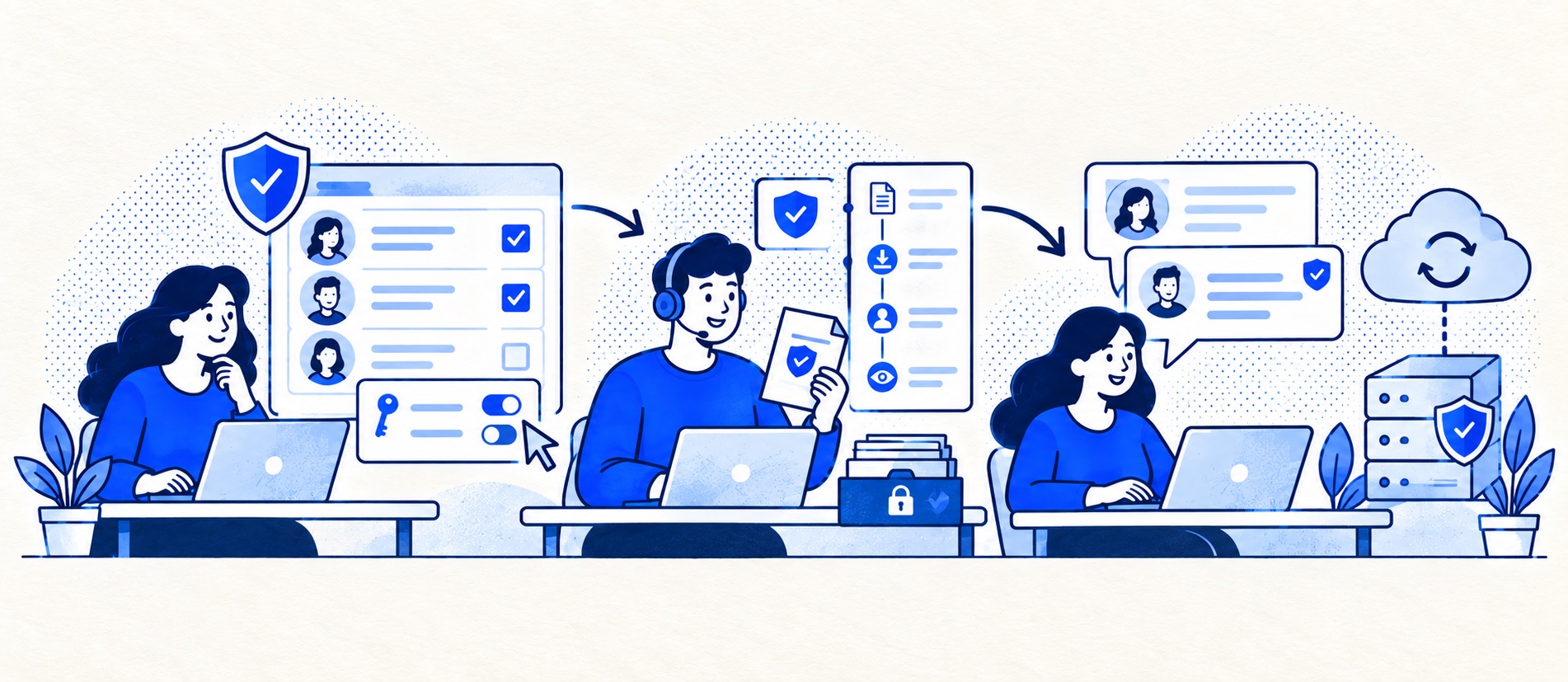
Map what tickets and attachments may contain before evaluating vendors.
Check both vendor safeguards and the controls your own admins must configure.
Keep an owner for access reviews, incidents, data export and deletion.
Product shortlist
Security documentation to request
These are products to evaluate, not security endorsements. Ask each for current trust, DPA, subprocessor and plan-specific control documents.

Zendesk
Best for: Teams that expect multiple channels, mature routing and increasing operational complexity
The Support Team plan supplies core email ticketing, routing, analytics and automations. The broader Suite adds live chat, messaging, telephony and a knowledge base.
£15 per agent/monthSupport Team, paid yearly; checked September 2026
Useful strengths
- GBP pricing and a clear entry ticketing plan
- Strong upgrade path for multichannel operations
Watch for
- Suite Team rises to £45 per agent/month
- Small teams may buy more process than they need
- 14-day trial
- GBP pricing available
- Per-agent pricing

Freshdesk
Best for: Growing teams that need proper ticketing, self-service, automation and reporting
A broad email-first help desk with ticketing, a shared inbox, a customer portal, knowledge base and out-of-the-box reporting on its entry paid plan.
$19 per agent/monthGrowth, billed annually; checked September 2026
Useful strengths
- Ticketing, shared inbox and knowledge base on Growth
- Clearer route into routing, SLAs and custom reporting
Watch for
- Omnichannel needs differ from the email-first Freshdesk plan
- AI and connector usage can add cost
- Free trial
- Email-first help desk
- Per-agent pricing

Zoho Desk
Best for: Budget-conscious teams and businesses already using the Zoho ecosystem
The free edition covers three users and email ticketing. Paid tiers add broader messaging, knowledge-base, reporting, automation and telephony capabilities in stages.
Free for 3 usersPaid plans vary by selected billing currency; checked September 2026
Useful strengths
- Three-user free edition
- Broad channel and Zoho integration range
Watch for
- Plan and currency selectors make budgeting less immediate
- Live chat and advanced routing are plan-dependent
- 15-day trial
- Free edition
- Three users on free plan

HubSpot Service Hub
Best for: Businesses that want support, sales and marketing activity on one customer record
Free tools cover basic ticketing, inbox and live chat. The dedicated advanced help-desk workspace, knowledge base, SLAs and deeper routing are concentrated in Professional and Enterprise.
Free for up to 2 usersProfessional from $90/seat/month annually plus onboarding; checked September 2026
Useful strengths
- Support history beside CRM, sales and marketing data
- Free entry tools and a large integration marketplace
Watch for
- Advanced help desk features require a large price jump
- Professional has mandatory onboarding cost
- 14-day trial
- CRM-connected service
- Two users on free tools
Support tickets can contain addresses, account details, complaints, screenshots and attachments the customer never expected to become broadly visible. Security evaluation therefore starts with the data and the people who need it, not a list of badges on a vendor landing page. The right controls are proportionate to the risk of your particular support work.
The ICO's data-security guidance describes appropriate technical and organisational measures as risk-based, covering confidentiality, integrity, availability, recovery and regular testing. This checklist translates those questions into a small-team software trial. It is buyer guidance, not a guarantee of compliance or a substitute for specialist review where the data is sensitive.
Start with the ticket data
List what enters by email, chat, web form and integrations. Can customers send identity documents, medical details or payment information? Are order notes copied from ecommerce systems? Does a chatbot see the full conversation or only a selected knowledge source? Reduce unnecessary fields and attachments before selecting a platform. A product cannot protect data you collect without a purpose.
Define which cases need restricted visibility. A general support agent may need an order status but not a complaint investigation or full billing record. Ask whether the proposed edition supports the role and field boundaries you need. Test a real permission scenario in the pilot, including what a former staff member can still access after removal.
Verify identity and access
Check MFA for every agent and admin, SSO if your team requires central account control, session management and how service accounts or API tokens are governed. Avoid shared logins; they make both accountability and offboarding weaker. Give the smallest useful role, review access periodically and remove it promptly when someone changes role. Test whether integrations inherit broad privileges and whether tokens can be rotated without stopping support.
Check protection, logs and recovery
Ask how data is encrypted in transit and at rest, and which parts of the service, exports and backups are covered. The ICO's encryption guidance treats encryption as an important measure but not a complete solution. Request a concise description of segregation, vulnerability management and independent assurance; check dates and scope rather than treating a certificate as universal coverage.
Audit records should help answer who changed roles, exported data, altered rules or viewed sensitive cases, subject to plan limits. Ask how long logs remain available and whether an admin can export them. For recovery, ask about backups, restore testing, outage communications and the expected time to regain access to customer cases. Run a small export test so the team has a fallback if the help desk is unavailable.
Treat integrations as part of the system
A Shopify, CRM, email or AI connector can move customer data beyond the help desk. List every connected service, its permissions, data sent, owner and revocation path. Do not let a browser extension or copied API key become the unreviewed route into the entire inbox. The data-residency guide explains why hosting region alone does not describe every access path.
Prepare the incident and exit process
Ask the vendor how it notifies customers of a security incident, what information it provides and which contact receives the notice. Keep your own escalation owner and a way to preserve evidence. For a serious personal-data incident, the organisation may have regulatory and customer-notification duties; seek qualified advice when needed rather than treating a vendor's email as the whole response.
Before buying, test account export, deletion, retention controls and termination terms. Zendesk's trust centre describes plan-dependent access, redaction and retention features; Freshworks provides security and data-handling detail. Use such documents as evidence to verify, not blanket endorsements.
Sources
- ICO: a guide to data security
- ICO: encryption
- Zendesk Trust Center
- Freshdesk data storage and security
This checklist is editorial buyer guidance, not legal or security advice. Confirm controls in the current contract and intended plan.
Frequently asked questions
Questions readers ask before choosing
Is MFA enough to secure a help desk?
No. MFA is important, but you also need sensible roles, prompt account removal, protected integrations, monitoring and a recovery plan appropriate to the data.
Does a security certification prove our setup is secure?
It can provide assurance about a vendor's assessed controls, but it does not prove your own roles, integrations, retention and incident procedures are configured well.
Should every agent see every ticket?
Usually not by default. Define which teams and roles need access, especially for complaints, health or payment-related messages, and test the plan's permission granularity.
What should we ask about a breach?
Ask how the vendor detects, investigates and notifies customers of incidents, what evidence is available and how your team can respond quickly under its own obligations.