
Software selection guide
How to choose help desk software
A practical process for choosing help-desk software using support channels, team workflow, plan limits, total cost, security, trials and migration evidence.
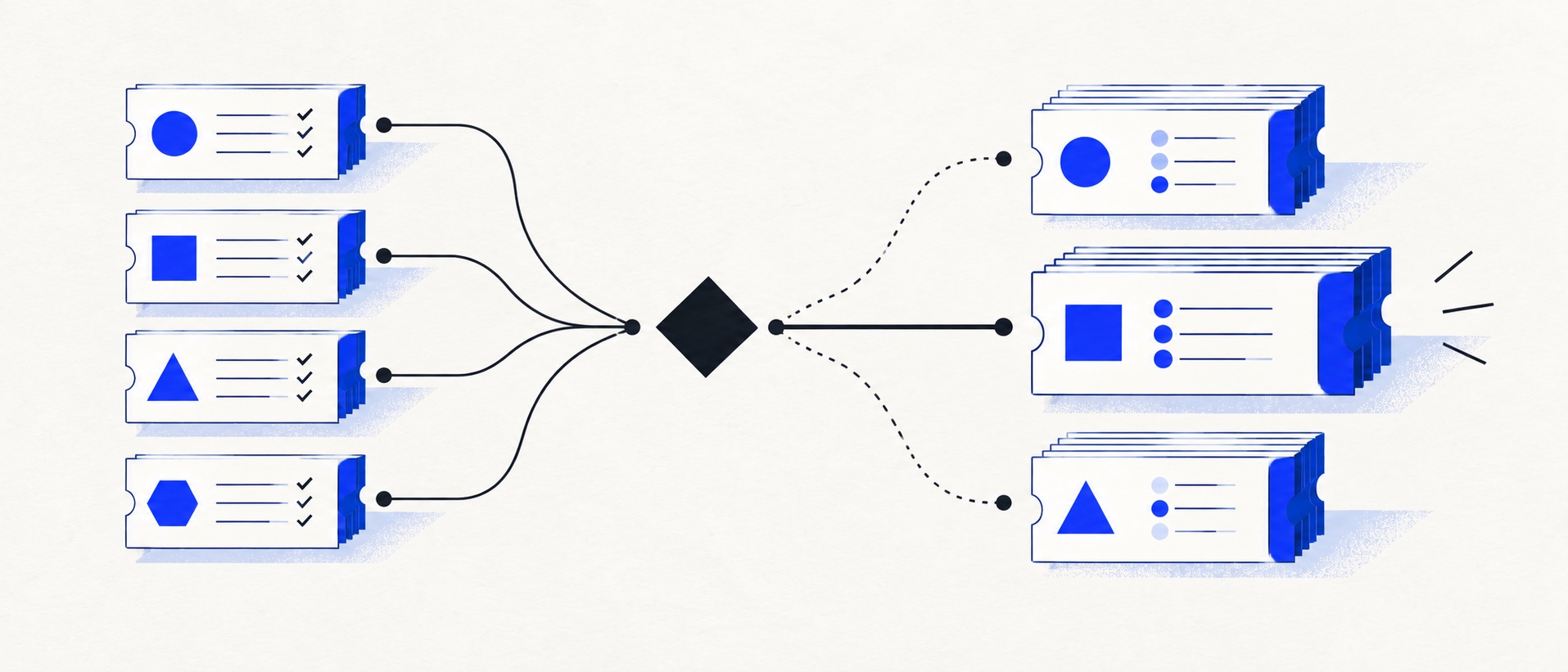
Write requirements as tasks the team must complete, not a list of vendor feature names.
Verify the exact tier, allowance and integration behind every required capability.
Test operation, administration, reporting and exit before approving an annual contract.
Product shortlist
Six reference points for a shortlist
These products illustrate focused ticketing, balanced help-desk operations, free value, multichannel scale, CRM-led service and ecommerce specialisation.

HelpDesk
Best for: Small teams that want ticketing, website chat and useful automation without an enterprise platform
A focused support workspace combining ticketing, a shared inbox, website chat, messaging channels, automation and reporting in one entry plan.
$19 per user/monthEssential, billed annually; checked September 2026
Useful strengths
- Ticketing, website chat and messaging channels on Essential
- 14-day trial without a credit card
Watch for
- There is no permanent free plan
- Extra AI resolutions can add usage cost
- 14-day trial
- Email, chat and messaging
- Per-user pricing

Freshdesk
Best for: Growing teams that need proper ticketing, self-service, automation and reporting
A broad email-first help desk with ticketing, a shared inbox, a customer portal, knowledge base and out-of-the-box reporting on its entry paid plan.
$19 per agent/monthGrowth, billed annually; checked September 2026
Useful strengths
- Ticketing, shared inbox and knowledge base on Growth
- Clearer route into routing, SLAs and custom reporting
Watch for
- Omnichannel needs differ from the email-first Freshdesk plan
- AI and connector usage can add cost
- Free trial
- Email-first help desk
- Per-agent pricing

Zoho Desk
Best for: Budget-conscious teams and businesses already using the Zoho ecosystem
The free edition covers three users and email ticketing. Paid tiers add broader messaging, knowledge-base, reporting, automation and telephony capabilities in stages.
Free for 3 usersPaid plans vary by selected billing currency; checked September 2026
Useful strengths
- Three-user free edition
- Broad channel and Zoho integration range
Watch for
- Plan and currency selectors make budgeting less immediate
- Live chat and advanced routing are plan-dependent
- 15-day trial
- Free edition
- Three users on free plan

Zendesk
Best for: Teams that expect multiple channels, mature routing and increasing operational complexity
The Support Team plan supplies core email ticketing, routing, analytics and automations. The broader Suite adds live chat, messaging, telephony and a knowledge base.
£15 per agent/monthSupport Team, paid yearly; checked September 2026
Useful strengths
- GBP pricing and a clear entry ticketing plan
- Strong upgrade path for multichannel operations
Watch for
- Suite Team rises to £45 per agent/month
- Small teams may buy more process than they need
- 14-day trial
- GBP pricing available
- Per-agent pricing

HubSpot Service Hub
Best for: Businesses that want support, sales and marketing activity on one customer record
Free tools cover basic ticketing, inbox and live chat. The dedicated advanced help-desk workspace, knowledge base, SLAs and deeper routing are concentrated in Professional and Enterprise.
Free for up to 2 usersProfessional from $90/seat/month annually plus onboarding; checked September 2026
Useful strengths
- Support history beside CRM, sales and marketing data
- Free entry tools and a large integration marketplace
Watch for
- Advanced help desk features require a large price jump
- Professional has mandatory onboarding cost
- 14-day trial
- CRM-connected service
- Two users on free tools

Gorgias
Best for: Online shops that need order context and ecommerce actions inside support conversations
Unlike per-seat tools, Gorgias prices its help desk by billable ticket volume. Its strongest case is the depth of its Shopify and ecommerce workflow integrations.
$10/month for 50 ticketsStarter includes 3 agent seats; checked September 2026
Useful strengths
- Deep Shopify order context and actions
- Costs scale by tickets rather than only by agent seats
Watch for
- Overages and AI resolutions need modelling
- Entry plan is email-only and has limited operations features
- 7-day trial
- Shopify-focused
- Ticket-volume pricing
To choose help desk software well, begin with the support operation—not a vendor comparison grid. Document where customer requests arrive, who owns them, which information changes the answer, what requires escalation and how performance is reviewed. The software should support that model without demanding unnecessary administration.
The strongest shortlist usually contains two materially different approaches. A focused product such as HelpDesk can be tested against a broader platform such as Freshdesk or Zendesk. A CRM-led team can compare HubSpot with a standalone desk. A Shopify business can compare Gorgias with a general help desk.
Step 1: map the current queue
List every support address, form, chat widget, social account and phone route. Record approximate monthly volume, busiest periods and the people who reply. Identify where work is lost, duplicated or delayed.
Follow ten recent customer issues from arrival to resolution. Note each system the agent opened, every handover, the information that was missing and any manual reporting. This creates an evidence-based problem statement instead of a vague request for “better support software”.
Step 2: define required outcomes
Write requirements as tasks. “Assign a new billing request to the finance-trained agent within five minutes” is better than “advanced routing”. “Show the Shopify order and permit a refund after identity checks” is better than “ecommerce integration”.
Separate requirements into three groups: essential at launch, likely within twelve months and optional. A feature belongs in the essential group only if its absence creates operational, customer or compliance risk.
Step 3: choose the right product category
A shared inbox suits collaborative email with simple ownership. A help desk adds tickets, fields, priorities, service targets, routing and reporting. An omnichannel platform coordinates several real-time and asynchronous channels. CRM-led service software connects support with the wider customer lifecycle. Ecommerce help desks connect conversations with order data and actions.
Choosing the category first prevents a small team comparing an email collaboration tool with an enterprise service platform as if they solve the same problem. Our shared inbox versus help desk guide explains that boundary in detail.
Step 4: build the shortlist
Use four filters: required channels, customer context, operational depth and budget. HelpDesk suits a focused queue; Freshdesk offers balanced ticketing and self-service; Zoho Desk provides a free and value-led route; Zendesk supports planned complexity; HubSpot connects support with CRM; and Gorgias specialises in ecommerce.
Remove any product that fails an essential requirement on the tier the business can afford. Do not keep it because a higher plan or custom integration might solve the problem later unless that cost is in the budget.
Step 5: verify the exact plan
For every required feature, record the plan, billing term, usage allowance and source link. Distinguish email ticketing from a complete Suite, a private knowledge base from a public help centre and a displayed order from an actionable ecommerce integration.
Price the current headcount and next hiring point. Include AI, voice, SMS, messaging, onboarding, apps and VAT. Our help desk pricing guide provides a fuller cost model.
Step 6: assess security and control
Ask where data is stored, which subprocessors are involved, how retention and deletion work and whether the provider supports the organisation's UK GDPR obligations. Review roles, least-privilege access, multi-factor authentication, single sign-on requirements and audit history.
For integrations that allow refunds, account changes or other sensitive actions, test permission boundaries and logs. Confirm how agents verify identity before taking an action. Security documentation should be reviewed by the appropriate person rather than inferred from a sales page.
Step 7: run the same trial twice
Create a standard trial pack of 20 representative conversations. Include a simple question, complaint, billing issue, technical problem, duplicate, spam message, VIP customer, escalation, reopened issue and deletion request.
In each product, connect a test channel, import sample history, assign work, leave notes, create saved replies, configure one routing rule and one response target, publish a short article, produce a report and export the data. Record the plan required for every task.
Step 8: score operation and administration
Score daily agent work separately from administration. Agents should evaluate clarity, speed, search and customer context. Managers should evaluate routing, backlog, reports and quality review. Administrators should evaluate setup, permissions, change control and maintenance.
A product can have an excellent agent interface but require excessive administration. Another can have strong reports but slow everyday replies. Weight the score around the work that consumes the most time or carries the most risk.
Step 9: check implementation and exit
Plan email routing, imports, field mapping, integrations, training and a rollback route. Decide whether historic tickets will be imported or retained read-only. Test outbound email authentication and replies before cutover.
Export tickets, contacts and articles during the trial. Inspect whether dates, authors, attachments, statuses and custom fields survive. A credible exit is part of product quality because customer history should not become trapped by a purchasing decision.
Step 10: approve with evidence
The final recommendation should name the chosen plan, current and future cost, essential requirements met, known limitations, implementation owner and review point. Record why the alternative was rejected.
Use monthly billing during uncertainty if practical. Approve an annual term only after the team has used the product and the final contract reflects required data, security and service commitments.
Common selection mistakes
Avoid counting features without testing workflows, buying for an imagined enterprise future, relying on a demonstration environment, ignoring the upgrade tier, treating AI as free, and leaving export until the end. Do not let affiliate availability or a vendor incentive determine the editorial or procurement ranking.
The biggest mistake is solving an undefined problem. If the team cannot describe the current failure and the expected improvement, it cannot judge whether the software worked.
Our verdict
The right help desk is the least complex product that reliably supports the required workflow, provides a credible next stage and leaves the business in control of its data. For many small teams, that means choosing between a focused queue and a balanced help desk rather than buying the largest platform.
Make the decision reproducible: requirements, source links, trial scenarios, scores, cost model and export evidence. That record is more valuable than any generic “best software” label.
Sources
- HelpDesk pricing
- Freshdesk pricing
- Zoho Desk pricing
- Zendesk UK pricing
- HubSpot Service Hub pricing
- Gorgias plan guide
Provider sources establish current plan facts. The selection process and suitability conclusions are Support Sorted's editorial guidance.
Frequently asked questions
Questions readers ask before choosing
What should I look for in help-desk software?
Start with reliable ownership, searchable customer history, internal notes, useful views, basic automation, reporting and export. Then add the channels, routing, knowledge base, integrations and permissions required by the actual support process.
How many help-desk products should a team trial?
Trial two products that represent genuinely different approaches. Testing too many platforms reduces the quality of each evaluation and creates unnecessary setup work.
Who should be involved in choosing a help desk?
Include the people who answer customers, the manager responsible for performance, someone responsible for security or data protection and the teams that receive escalations. Procurement should not rely only on an executive demonstration.
How long should a help-desk trial last?
Use enough time to complete a realistic working cycle, normally at least one full week of representative tickets. The team must test setup, daily operation, reporting, administration and export rather than only the agent inbox.