
Service promise guide
Set customer-support SLAs
Set realistic support response and resolution targets with business hours, priorities, pause rules, escalation and reporting that customers can understand.
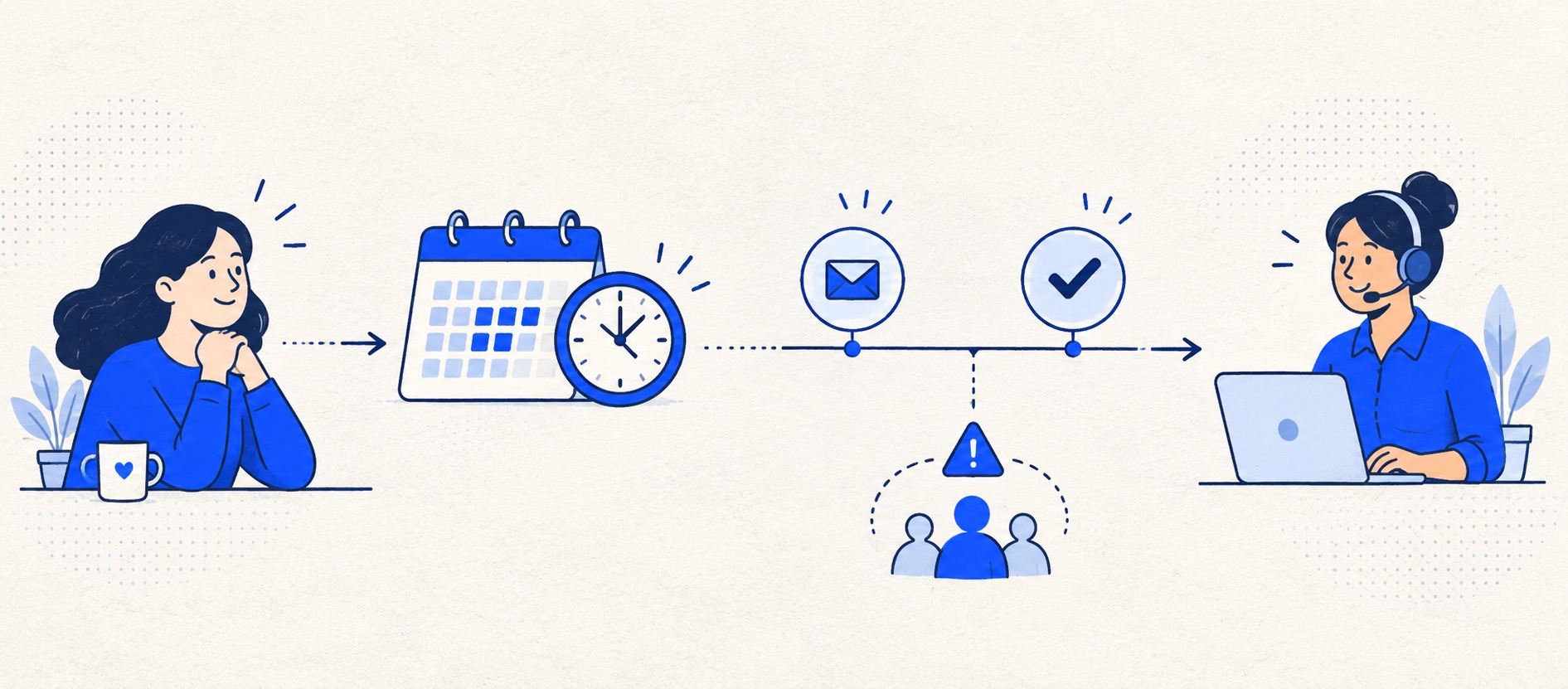
Separate an automatic receipt, first human reply, next update and final resolution.
Test tickets arriving near closing time, holidays and supplier waits.
Review breaches with customer outcomes rather than treating the percentage as the entire story.
Product shortlist
Platforms to test for service targets
SLA capability, business-hours options and policy count depend on the provider and edition.

Freshdesk
Best for: Growing teams that need proper ticketing, self-service, automation and reporting
A broad email-first help desk with ticketing, a shared inbox, a customer portal, knowledge base and out-of-the-box reporting on its entry paid plan.
$19 per agent/monthGrowth, billed annually; checked September 2026
Useful strengths
- Ticketing, shared inbox and knowledge base on Growth
- Clearer route into routing, SLAs and custom reporting
Watch for
- Omnichannel needs differ from the email-first Freshdesk plan
- AI and connector usage can add cost
- Free trial
- Email-first help desk
- Per-agent pricing

Zendesk
Best for: Teams that expect multiple channels, mature routing and increasing operational complexity
The Support Team plan supplies core email ticketing, routing, analytics and automations. The broader Suite adds live chat, messaging, telephony and a knowledge base.
£15 per agent/monthSupport Team, paid yearly; checked September 2026
Useful strengths
- GBP pricing and a clear entry ticketing plan
- Strong upgrade path for multichannel operations
Watch for
- Suite Team rises to £45 per agent/month
- Small teams may buy more process than they need
- 14-day trial
- GBP pricing available
- Per-agent pricing

HubSpot Service Hub
Best for: Businesses that want support, sales and marketing activity on one customer record
Free tools cover basic ticketing, inbox and live chat. The dedicated advanced help-desk workspace, knowledge base, SLAs and deeper routing are concentrated in Professional and Enterprise.
Free for up to 2 usersProfessional from $90/seat/month annually plus onboarding; checked September 2026
Useful strengths
- Support history beside CRM, sales and marketing data
- Free entry tools and a large integration marketplace
Watch for
- Advanced help desk features require a large price jump
- Professional has mandatory onboarding cost
- 14-day trial
- CRM-connected service
- Two users on free tools

Zoho Desk
Best for: Budget-conscious teams and businesses already using the Zoho ecosystem
The free edition covers three users and email ticketing. Paid tiers add broader messaging, knowledge-base, reporting, automation and telephony capabilities in stages.
Free for 3 usersPaid plans vary by selected billing currency; checked September 2026
Useful strengths
- Three-user free edition
- Broad channel and Zoho integration range
Watch for
- Plan and currency selectors make budgeting less immediate
- Live chat and advanced routing are plan-dependent
- 15-day trial
- Free edition
- Three users on free plan

HelpDesk
Best for: Small teams that want ticketing, website chat and useful automation without an enterprise platform
A focused support workspace combining ticketing, a shared inbox, website chat, messaging channels, automation and reporting in one entry plan.
$19 per user/monthEssential, billed annually; checked September 2026
Useful strengths
- Ticketing, website chat and messaging channels on Essential
- 14-day trial without a credit card
Watch for
- There is no permanent free plan
- Extra AI resolutions can add usage cost
- 14-day trial
- Email, chat and messaging
- Per-user pricing
An SLA is a measurable service commitment, not a timer turned on in software. For a small team, the safest first promise is often straightforward: when people are available, when a customer can expect a first human response, and how progress updates will be handled if resolution takes longer.
The wrong SLA can encourage rushed, shallow replies or create a dashboard that says the team is late when the customer was promised weekday service. The right one clarifies expectations for customers and gives agents a practical priority order.
Decide what is actually being promised
| Moment | Meaning | Common confusion |
|---|---|---|
| Receipt | System confirms the message arrived | Presented as a human response |
| First human response | Agent has read and addressed the request | Measured from the wrong start time |
| Next update | Customer hears from the team during an open case | Forgotten while waiting internally |
| Resolution | Agreed customer outcome reached | Ticket merely marked closed |
| Escalation | Specialist or duty owner takes a risk | Every difficult message marked urgent |
Start with the first two and an honest update rhythm. A resolution target is harder to promise when a courier, payment processor or external supplier controls the final step. You can still promise an update and a named owner.
Set coverage before timing
Write down the days, hours, time zone and holiday treatment. Decide whether weekends count. If chat is available for fewer hours than email, communicate separate expectations. A company with a weekday team should not configure a calendar-hour timer and then blame agents for overnight breaches.
Measure current demand by arrival time and the team's current first-human-response distribution. Averages hide the long tail; inspect the slowest cases. Use that baseline to choose a target that can be met under normal staffing and during leave. If a published promise is contractual or commercially important, it deserves operational capacity, not just a software rule.
Test edge times: a message received minutes before closing, a bank-holiday eve, an overnight reply from a customer and a reopened case. Calculate when the response should be due on paper, then compare the platform's due time. This exposes misconfigured schedules before customers rely on them.
Prioritise by impact, not customer emotion alone
A small team can start with normal and urgent. Define urgent using impact: a security problem, material service outage, payment failure affecting many customers or a time-critical order change, for example. A strongly worded but routine product question may still deserve empathy without jumping the entire queue.
If the business sells priority service, document exactly who qualifies and what happens when the customer record is missing or wrong. Keep an override route for a genuinely critical case. Too many policy branches make the team's day harder and can cause a ticket to inherit the wrong target.
An SLA is not a substitute for triage. An urgent ticket needs a named escalation owner and an appropriate channel to reach them. A red badge in a dashboard cannot help if nobody is watching it.
Define pauses without hiding delay
The timer may pause when the team has asked the customer for necessary information. Decide whether it pauses while waiting for a supplier or internal specialist; even if the metric does, the customer may still need periodic updates. Keep “waiting for customer” distinct from “waiting internally”.
HubSpot's help desk SLA setup describes schedule, time-zone and pause conditions, and allows a choice about applying changes to existing open tickets. This illustrates a crucial implementation question: will changing a policy alter the due times of already-open cases? Test before editing a live policy.
Do not let agents use waiting states merely to stop the clock. Review a sample of paused cases. If the ticket has been waiting on the organisation for days, a healthy-looking SLA percentage is not a good customer outcome.
Configure the tool against the written policy
Freshdesk's SLA guidance describes response and resolution targets, priorities and policies, with applicability by plan. It also distinguishes system-generated replies from agent first responses. Zendesk's SLA policy explanation identifies conditions, metrics, target times and business-versus-calendar hours as policy elements. These are examples of the settings to verify in any platform.
Configure a default policy so every eligible customer case gets a target, then add only justified exceptions. Make the rule order explicit. Test a case that should use the default and one that should use each exception. If several policies could match, inspect which one actually applies.
Write down where an agent can see the due time and where a manager can see at-risk work. If neither can act on it, the policy exists mainly for retrospective criticism.
Escalate before breach, not only after
A due-soon reminder should tell a person what action is required. It may prompt the owner to send a substantive response, ask a specialist for a decision or update the customer about a delay. Do not let automation send a confident answer that has not been checked.
Design an absence path. If an owner is sick or off shift, a backup must see the at-risk queue. A reminder sent only to the original owner is not an escalation. Test the route with the owner disabled or away, and with a ticket that becomes urgent late in the day.
For a genuine breach, record what happened and the customer impact. A dashboard percentage does not tell the story. Was the message misrouted, was coverage insufficient, or did the team deliberately prioritise a higher-impact incident? Those causes require different changes.
Report performance without gaming it
Show eligible ticket count, target met, target missed and exclusions. Break results down by channel and priority where promises differ. A single combined percentage can be misleading if live chat and email have different timing expectations.
Pair SLA adherence with reopened cases, resolution quality and the oldest open work. A team can improve first-response compliance by sending quick non-answers; that is not an improvement for customers. Review a sample of compliant and breached tickets to see whether the measured outcome matches the real one.
Mark changes to business hours, policy rules and imported history on the trend. Historical ticket imports may not bring their original metric events, so a blended before-and-after report can be unreliable. The reporting guide explains how to keep definitions stable.
Which product fits the SLA requirement?
Freshdesk is a strong candidate for a growing team that needs formal service policies alongside ticketing and knowledge; verify the edition for multiple policies and reporting. Zendesk suits more complex queues and business-hour structures, but plan and administration cost matter. HubSpot Service Hub is interesting when ticket properties and CRM context determine the service goal, subject to the required help desk tier.
Zoho Desk can be a value-led route, but test the desired policy, schedule and escalation on the exact edition. HelpDesk is a simpler queue for teams whose promise may be managed through ownership and reminders rather than a complex formal SLA scheme. Never assume an entry-plan card includes every policy control described in provider documentation.
Run the same bank-holiday and waiting-status cases in each finalist. The best software is the one that represents the promise accurately and makes at-risk work visible to the people who can act.
Publish a plain-language customer promise
Customers do not need to know the internal field names. Tell them when support operates, when to expect a first human update and what to do for a genuinely urgent issue. If the target varies by paid tier or channel, say so where the customer makes contact. Do not promise a resolution time that depends on facts the team cannot control.
Review the promise after the first month of measurement. If the team repeatedly misses it, fix capacity, routing or the promise rather than quietly changing a timer. The goal is dependable communication, not an attractive compliance percentage.
Sources and further reading
- Freshdesk: understanding SLA policies.
- Zendesk: how SLA policies work and first-reply measurement.
- HubSpot: set SLA goals in help desk.
The suggested service framework and product-fit conclusions are Support Sorted's editorial guidance.
Frequently asked questions
Questions readers ask before choosing
What is a good first-response SLA for a small business?
One the team can meet within its published coverage and that matches the customer's need. Measure the current baseline and choose a credible target; do not copy an enterprise target or promise round-the-clock service without staff.
Does an automatic acknowledgement meet an SLA?
A receipt confirms arrival but is not a substantive human response. Keep those measures separate and check how the chosen platform counts system-generated messages.
Should SLA timers pause while waiting for a customer?
They can, if the policy is explicit and the status reflects a genuine customer dependency. Do not use waiting states to conceal an internal delay, and confirm the product's timer and report behaviour.
Do we need different SLAs for every customer?
Usually not. Start with one clear policy and a small number of justified exceptions, such as a paid service tier or critical incident. More policies increase administration and the chance that the wrong rule applies.