
Practical workflow
Audit outdated help content
Run a risk-based help-content audit: find stale articles, test current steps, fix or redirect pages, assign owners and use support feedback to prevent drift.
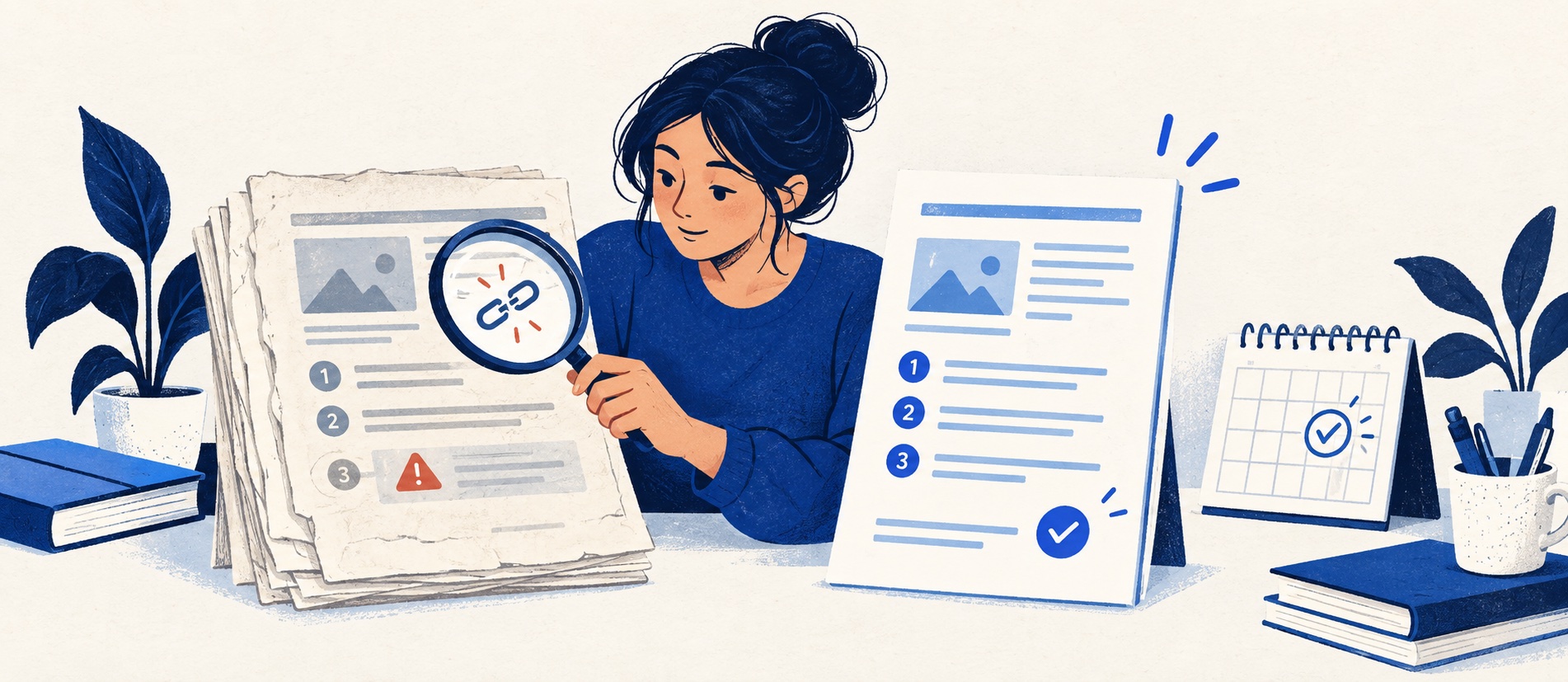
Prioritise wrong-answer harm, contact volume, negative feedback and known change events.
Reproduce the task with a non-admin account; a recent timestamp is not proof of accuracy.
Preserve useful URLs with updates or redirects and close the loop with agents.
Product shortlist
Tools for reviewing published knowledge
Evaluate article ownership, verification reminders, feedback and export alongside the editor; features vary by product and edition.

Zendesk
Best for: Teams that expect multiple channels, mature routing and increasing operational complexity
The Support Team plan supplies core email ticketing, routing, analytics and automations. The broader Suite adds live chat, messaging, telephony and a knowledge base.
£15 per agent/monthSupport Team, paid yearly; checked September 2026
Useful strengths
- GBP pricing and a clear entry ticketing plan
- Strong upgrade path for multichannel operations
Watch for
- Suite Team rises to £45 per agent/month
- Small teams may buy more process than they need
- 14-day trial
- GBP pricing available
- Per-agent pricing

Freshdesk
Best for: Growing teams that need proper ticketing, self-service, automation and reporting
A broad email-first help desk with ticketing, a shared inbox, a customer portal, knowledge base and out-of-the-box reporting on its entry paid plan.
$19 per agent/monthGrowth, billed annually; checked September 2026
Useful strengths
- Ticketing, shared inbox and knowledge base on Growth
- Clearer route into routing, SLAs and custom reporting
Watch for
- Omnichannel needs differ from the email-first Freshdesk plan
- AI and connector usage can add cost
- Free trial
- Email-first help desk
- Per-agent pricing

Zoho Desk
Best for: Budget-conscious teams and businesses already using the Zoho ecosystem
The free edition covers three users and email ticketing. Paid tiers add broader messaging, knowledge-base, reporting, automation and telephony capabilities in stages.
Free for 3 usersPaid plans vary by selected billing currency; checked September 2026
Useful strengths
- Three-user free edition
- Broad channel and Zoho integration range
Watch for
- Plan and currency selectors make budgeting less immediate
- Live chat and advanced routing are plan-dependent
- 15-day trial
- Free edition
- Three users on free plan
Help content becomes wrong in quiet ways. A button moves, a return condition changes, a screenshot shows an old plan, or an agent links to a page whose first step no longer works. A page can have thousands of views and still be inaccurate. A content audit is therefore an operational safety check as well as an editorial tidy-up.
For a small team, an annual review of every page is usually too blunt. Use change events and risk to decide what to inspect first. The aim is to keep the answer that a customer sees consistent with the current product and the support team's actual practice.
Build an inventory that can be acted on
Export or list every published article with URL, title, category, audience, owner, last substantive review month, product or policy source, risk level and traffic or contact context. Add a field for known change triggers. If the platform does not expose all of this, a simple register is enough; do not buy a new system solely to create an audit spreadsheet.
Find orphaned pages as well as the homepage's visible categories. Search the site's own index, sitemap, past ticket macros and search-engine results for old URLs. Agents often continue sharing a page after it has disappeared from navigation. Include translations, PDF attachments and screenshots in the inventory; an accurate article with an old download link is still a poor answer.
Separate “last edited” from “last verified”. A punctuation fix does not mean someone followed the steps. Record who checked the authoritative source and whether they reproduced the customer journey. Zendesk offers article-verification reminders; the feature can prompt work, but the check still needs a human decision.
Triage by consequence and evidence
Score each page on two axes: the harm of a wrong answer and the likelihood someone relies on it. Account recovery, payment, cancellation, privacy and safety content are high consequence. A rarely read page may still belong at the top if the failure mode is severe. High-volume setup or delivery articles also deserve attention because a small error creates many repeat contacts.
Add direct signals: negative article feedback, zero-result searches that should have found the page, tickets after an article view, broken links, product-release notes, policy changes and agent reports. Do not treat a low view count as proof a page is unnecessary; it may be hidden by a bad title or category. Similarly, a high view count is not proof it solved a task.
Make a queue with four statuses: investigate, update, consolidate and retire. Assign one owner and a due month. If the answer is known to be unsafe now, unpublish or place a clear temporary notice while it is corrected; do not wait for the next routine cycle.
Test the article as a customer would
Open the public page in a non-admin account on mobile. Read the title and first paragraph: would someone know whether the instructions apply? Follow each step in the current product or against the current approved policy. Note changed labels, missing prerequisites, different plan permissions, broken links and screenshots that contradict the text. Try the exception path and the escalation link.
Check whether the answer exists elsewhere. Two pages about the same task may have diverged. Choose one authoritative page and update cross-links. If a page covers three unrelated tasks, split it only when each new page can stand alone and has a clear owner. A content audit should improve the journey, not manufacture more URLs.
For public pages, inspect search title, description and whether the page is indexable when it should be. A signed-in article should not accidentally become public merely because a category was moved. Freshdesk documents moving and managing articles and changing visibility; verify the result rather than assuming the admin view reflects what a customer sees.
Decide whether to update, merge, redirect or retire
Update when the task still exists and the URL fits. Rewrite the answer, replace misleading media, test the steps and note the substantive change. Merge when two pages answer the same intent; retain the clearer URL and redirect the other if the platform permits. Redirect an obsolete URL to the most relevant current answer, especially when it appears in old emails or external links. Retire when no successor is useful, but make the old route explain what changed rather than dumping readers at a generic homepage where possible.
Avoid redirecting every obsolete page to one top-level category. A person who followed a specific password-reset link needs an appropriate new route or a clear explanation, not a broad list of articles. Google's canonical and site-structure guidance supports giving each useful answer a coherent URL; redirects are a practical way to preserve paths when content moves.
When policy changed, check the linked internal runbook and reply macros too. Fixing the public article while agents keep using an old answer leaves the contradiction in place. Tell the team what changed and how to report another mismatch.
Keep the audit continuous
Make change-trigger checks part of the release or policy process. A product launch checklist should identify affected help articles. A pricing or returns-policy change should have a content owner before the change becomes public. Review high-risk pages on a shorter cycle and sample lower-risk pages periodically. Zendesk verification reminders can support this; a simple recurring owner task may also suffice.
Measure whether the corrected content actually works. Track search success, negative feedback and repeat contacts for the topic after an update. If the same question persists, the issue may be the article's title or placement, an ambiguous product flow, or a case that cannot be self-served. Sometimes the right fix is a product or policy change, not another paragraph.
Google warns against changing dates mainly to make content look fresh. Record real substantive reviews and let the usefulness of the answer justify any visible update. An honest audit makes the knowledge base more trustworthy for customers and agents alike.
Sources
- Zendesk on reminders to review and verify articles
- Freshdesk on managing articles, folders and visibility
- Google Search Central on helpful, up-to-date content
- Google Search Central on canonical URLs
The triage and retirement process is Support Sorted's editorial guidance; test the exact controls in your selected platform.
Frequently asked questions
Questions readers ask before choosing
How often should help-centre articles be audited?
Use risk-based review intervals and immediate checks after product, policy or pricing changes. High-consequence and frequently used pages deserve more attention than stable background explanations.
Should an old article be deleted?
Not automatically. Update it if the task still exists, merge it if another page is authoritative, and redirect an obsolete URL to the most relevant current answer. Remove a page only when no useful successor exists and the platform handles the old path clearly.
Does changing the updated date count as an audit?
No. Reproduce the task, verify current policy and links, review accessibility and record what changed. Do not refresh a date merely to imply a check or search freshness.
Which pages should be checked first?
Start with instructions that could cause financial, access, privacy or safety harm, then heavily visited pages, articles with negative feedback, and topics that still generate repeated tickets.