
Two-person support guide
Help desk software for two-person teams
Find a help desk for two support agents that prevents double replies, makes ownership visible and keeps costs proportionate as a small team grows.
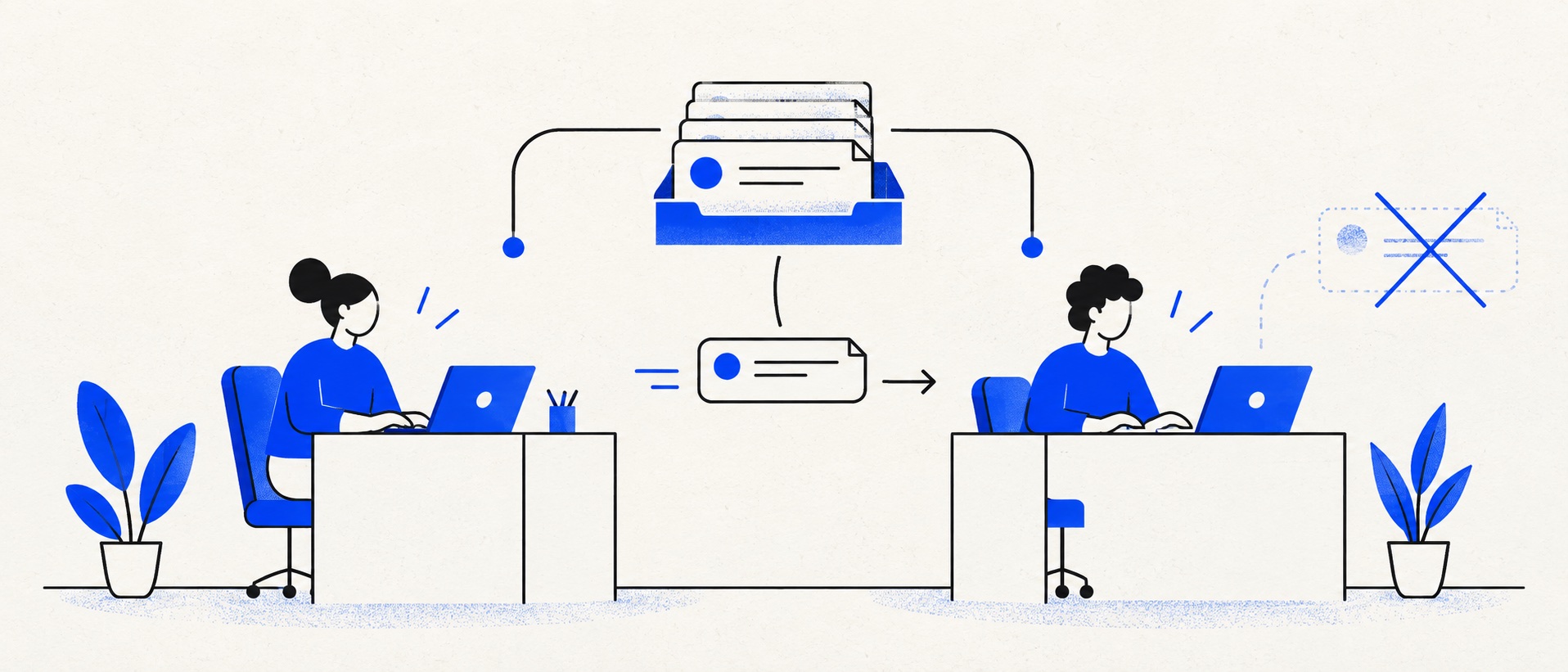
Test simultaneous replies, reassignment and leave cover with both agents in the trial.
Compare two paid seats with the next tier, temporary users and annual billing included.
Name one primary owner for each ticket even when both people contribute.
Product shortlist
Five options for a two-person queue
Official product logos and direct provider links make the shortlist easy to inspect.

Zoho Desk
Best for: Budget-conscious teams and businesses already using the Zoho ecosystem
The free edition covers three users and email ticketing. Paid tiers add broader messaging, knowledge-base, reporting, automation and telephony capabilities in stages.
Free for 3 usersPaid plans vary by selected billing currency; checked September 2026
Useful strengths
- Three-user free edition
- Broad channel and Zoho integration range
Watch for
- Plan and currency selectors make budgeting less immediate
- Live chat and advanced routing are plan-dependent
- 15-day trial
- Free edition
- Three users on free plan

HelpDesk
Best for: Small teams that want ticketing, website chat and useful automation without an enterprise platform
A focused support workspace combining ticketing, a shared inbox, website chat, messaging channels, automation and reporting in one entry plan.
$19 per user/monthEssential, billed annually; checked September 2026
Useful strengths
- Ticketing, website chat and messaging channels on Essential
- 14-day trial without a credit card
Watch for
- There is no permanent free plan
- Extra AI resolutions can add usage cost
- 14-day trial
- Email, chat and messaging
- Per-user pricing

Freshdesk
Best for: Growing teams that need proper ticketing, self-service, automation and reporting
A broad email-first help desk with ticketing, a shared inbox, a customer portal, knowledge base and out-of-the-box reporting on its entry paid plan.
$19 per agent/monthGrowth, billed annually; checked September 2026
Useful strengths
- Ticketing, shared inbox and knowledge base on Growth
- Clearer route into routing, SLAs and custom reporting
Watch for
- Omnichannel needs differ from the email-first Freshdesk plan
- AI and connector usage can add cost
- Free trial
- Email-first help desk
- Per-agent pricing

HubSpot Service Hub
Best for: Businesses that want support, sales and marketing activity on one customer record
Free tools cover basic ticketing, inbox and live chat. The dedicated advanced help-desk workspace, knowledge base, SLAs and deeper routing are concentrated in Professional and Enterprise.
Free for up to 2 usersProfessional from $90/seat/month annually plus onboarding; checked September 2026
Useful strengths
- Support history beside CRM, sales and marketing data
- Free entry tools and a large integration marketplace
Watch for
- Advanced help desk features require a large price jump
- Professional has mandatory onboarding cost
- 14-day trial
- CRM-connected service
- Two users on free tools

Zendesk
Best for: Teams that expect multiple channels, mature routing and increasing operational complexity
The Support Team plan supplies core email ticketing, routing, analytics and automations. The broader Suite adds live chat, messaging, telephony and a knowledge base.
£15 per agent/monthSupport Team, paid yearly; checked September 2026
Useful strengths
- GBP pricing and a clear entry ticketing plan
- Strong upgrade path for multichannel operations
Watch for
- Suite Team rises to £45 per agent/month
- Small teams may buy more process than they need
- 14-day trial
- GBP pricing available
- Per-agent pricing
Two-person support fails in a distinctive way: each person assumes the other has the enquiry, or both answer it. A good help desk is valuable because it makes the owner, current state and next action unambiguous. The number of advanced channels matters far less than the quality of that handover.
The first software decision may be to keep a shared mailbox. If each person works different days and a disciplined assignment rule already prevents duplication, the switch can wait. If both work the same queue at once, a purpose-built shared inbox or ticket tool usually pays for itself through fewer collisions and less checking.
Quick shortlist
| Product | Best fit | Entry reference | Check before buying |
|---|---|---|---|
| Zoho Desk | Two users on a permanent free edition | Free for up to three | Edition limits |
| HelpDesk | Focused paid ownership | $19/user/month annually | Rule allowance and trial fit |
| Freshdesk | Tickets plus knowledge | $19/agent/month annually | Pro upgrade triggers |
| HubSpot Service Hub | Shared CRM context | Free service tools available | Advanced workspace tier |
| Zendesk | Future service depth | UK Support Team from £15/agent/month annually | Support versus Suite scope |
A two-agent bill can be deceptively low. Include both users, any administrator who needs to handle tickets, annual prepayment, VAT, add-ons and the first tier that contains your essential workflow. A free plan may still be the best answer if its limits do not affect the team.
The two-person workflow to design first
Every new message should enter one queue. One person takes primary ownership; the other can contribute through private notes, a mention or a controlled handover. Define what waiting for customer, waiting for supplier and resolved mean. If those states are vague, no product will make the queue trustworthy.
Decide how a case transfers when one person finishes their day. The handover should contain the customer's request, actions taken, promise made and next deadline. A private note should give enough context to continue without rereading the full history. Leave cover is the best stress test: can the second agent identify urgent items in under five minutes?
Have both agents open the same conversation during a trial. Check whether the product warns about a draft, shows current ownership and prevents accidental duplicate replies. Product pages may advertise collaboration broadly; a real simultaneous test is more revealing.
Zoho Desk: the budget-led start
Zoho Desk's free edition permits up to three users and basic email ticketing. That covers the two named agents while leaving room to test a third user later. For a small service business, this can establish an accountable queue without immediately adding a recurring licence bill.
The edition boundary is important. Before committing, write down the number of support addresses, reports, rules and customer-facing knowledge features the team expects. Compare those requirements against Zoho's current pricing comparison. Its paid editions and availability can change, and the free version should be judged as a working product rather than as a promise of higher-tier features.
Zoho is attractive when the team values budget control or already uses Zoho tools. It may require more configuration than a very focused inbox. Time the ordinary tasks of assignment, reply and search, then make the decision on effort as well as price.
HelpDesk: focused paid ownership
HelpDesk Essential is listed at $19 per user each month on annual billing, so two full users have a $38 monthly annual-billing reference before tax and extras. It combines ticketing, internal collaboration, prepared replies and website chat in a relatively contained workspace.
This is a good fit when the current problem is simply that two people need to work one customer queue well. Set one default owner rule, one escalation and a small library of answers. Test the system with a forwarded message and a reopened thread: both should return to the right customer history.
The plan's ticketing-rule allowance may matter once you separate billing, priority, product and language. Count those rules before you buy. If the work requires a much more developed portal or multiple service policies, compare Freshdesk or Zendesk rather than stretching a focused tool beyond its strength.
Freshdesk: when self-service is already part of the plan
Freshdesk Growth is $19 per agent each month annually and includes email ticketing, a customer portal, knowledge base and standard analytics. For two people answering the same questions repeatedly, a maintained help article can reduce contacts more effectively than another automation rule.
Make one real article during the trial. Ask a person unfamiliar with the business to find it, then check whether the article answers the question without creating a new ticket. If nobody has time to keep the content current, that advantage disappears.
Freshdesk Pro is more expensive and adds advanced routing, multiple service policies and custom reporting. A two-person team might not need those features now. Document the likely upgrade trigger so an apparently modest entry price does not conceal the future plan.
HubSpot and Zendesk: choose for the wider operating model
HubSpot makes sense when both agents need the same customer record used by sales or account management. Its free service tools include basic ticketing and team email. The value is reducing duplicated customer history. The advanced dedicated help desk workspace and deeper automation sit in paid tiers, so the free tools should be tested against the real queue.
Zendesk Support Team offers a UK per-agent ticketing entry point. It can be appropriate if the team expects a more complex service operation, but its broader Suite is a separate price and capability comparison. Do not choose Zendesk merely because two seats are technically available. Choose it when the service model needs its longer-term depth.
Both systems can solve a two-person queue. Their administrative and financial overhead should be justified by CRM coordination or future service complexity, not the basic act of assigning an email.
Features to check with both people present
Test ownership, private notes, collision visibility, status changes, search and a weekly backlog view. Send the same customer's second message from another address and see whether the history can be merged safely. Check how a temporary teammate or manager receives access; separate logins are important for accountability.
Try a real absence scenario. Person A starts a case, records a promise and becomes unavailable. Person B must see the promise and respond without sending a conflicting answer. Then reverse roles. The best interface is the one that makes this routine instead of exceptional.
For UK teams, check data-processing terms, retention, export and access roles before importing old conversations. If the mailbox contains sensitive financial or health information, the product's exact configuration and contract matter more than a generic security badge.
Keep targets realistic
Two people may cover support alongside other work. A public promise of instant chat creates demand that staffing cannot always meet. Publish the hours when a human responds. Use an acknowledgement to confirm receipt and explain what to do if an issue is urgent.
Start with one internal target such as answering ordinary email within one working day, then inspect exceptions weekly. Formal SLA software becomes valuable when contractual timing, business-hours calendars or escalation rules must be calculated. Before that point, a clear queue and calendar may be enough.
Measure backlog age and repeat contacts rather than ranking the two agents by ticket count. One person may handle the difficult cases. A useful report should reveal work that needs a process change, not create a competition to close easy tickets.
A practical two-user trial
Create ten realistic conversations, including a duplicate reply opportunity, a refund or complaint, a case waiting on an external party, a customer who replies after closure and a transfer during leave. Ask both people to work without the vendor guiding them. Record the number of clicks, missing context and mistakes.
Check the cost of the exact plan used in the test and whether the same workflow works when a third person joins. Export a sample and verify the result. Trial a low-risk address before forwarding the primary support mailbox.
Final recommendation
Choose Zoho Desk for permanent free ticketing, HelpDesk for a focused paid queue, Freshdesk when maintained self-service is a real project, HubSpot for shared CRM history or Zendesk for a planned move to more developed support operations.
Whichever product wins, write down who owns each conversation, how it moves between the two people and what promise the customer has received. Those rules are the foundation of the software decision.
Sources
- Zoho Desk pricing
- Zoho Desk plan comparison
- HelpDesk pricing
- Freshdesk pricing
- HubSpot Service Hub
- Zendesk UK pricing
Plan facts come from provider sources. Product-fit conclusions are Support Sorted's editorial judgement.
Frequently asked questions
Questions readers ask before choosing
What is the best free help desk for two people?
Zoho Desk offers a permanent free edition for up to three users. HubSpot offers free service tools for small teams, but its advanced help desk functions require paid tiers. Test the exact features both people need.
How do two agents avoid replying to the same customer?
Give each conversation an explicit owner and test live drafting or collision warnings where available. Require the second person to use a private note or reassignment rather than responding from an independent mailbox.
Should a two-person team buy an SLA feature?
A simple internal response target may be enough at first. Buy formal SLA controls when contractual commitments, business-hours calculations or escalation rules need to be measured and enforced.
Can both people share one login to save money?
Separate logins are preferable for accountability, access control and audit history. Check the provider's terms and the cost of two real users rather than sharing credentials.