
Practical guide
AI chatbot vs live chat
Choose between an AI chatbot, human live chat and a hybrid support flow using response quality, staffing, handoff, risk and full cost rather than hype.
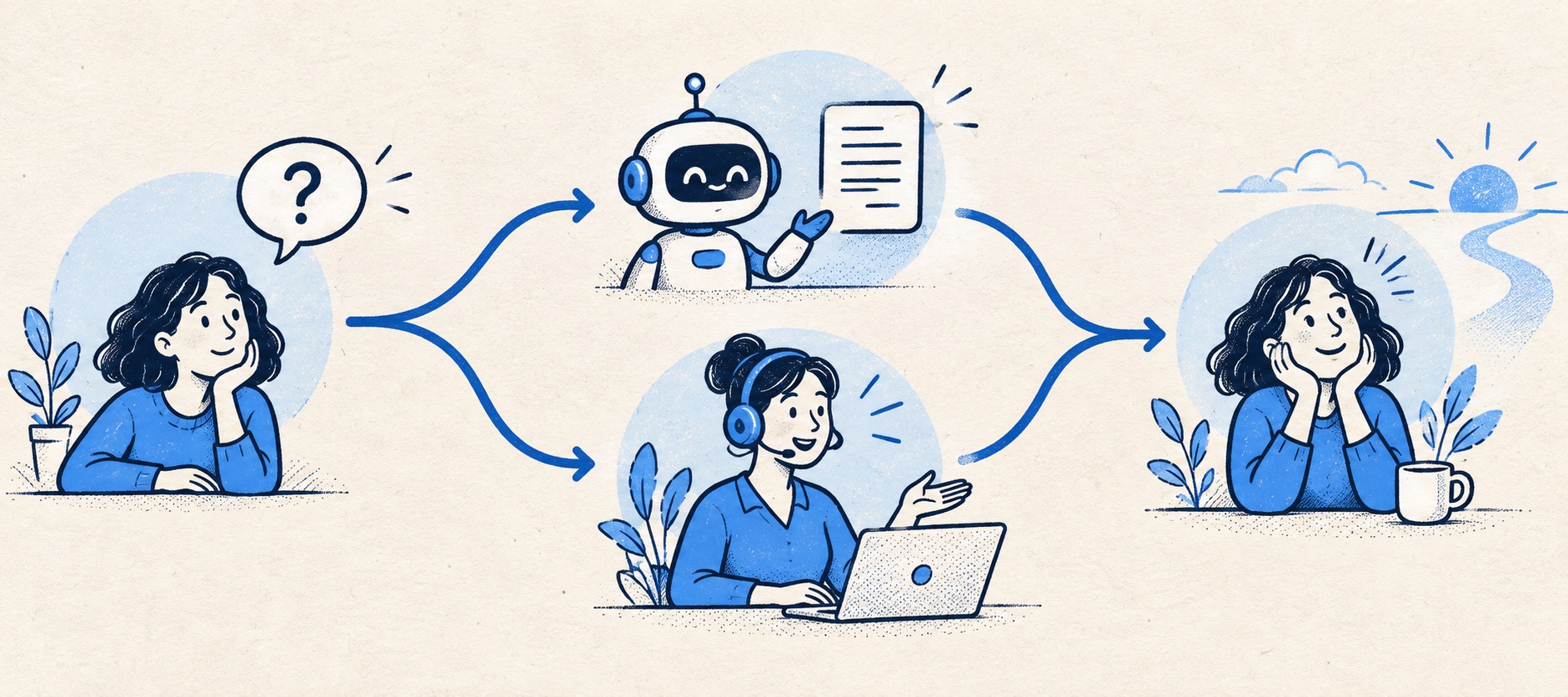
A bot's availability is not the same as 24-hour support if escalated work waits until morning.
Human live chat needs a rota; AI needs maintained knowledge, safeguards and transcript review.
Compare correctly resolved requests and repeat contact, not chat volume or containment alone.
Product shortlist
Products for each operating model
Tidio and LiveChat illustrate two starting routes; broader help desks provide other handoff options when a conversation needs an owner.

Tidio
Best for: Small online businesses wanting website chat, ticketing, flows and optional AI in one workspace
A chat-first support workspace with a free 50-conversation monthly allowance, ticketing and separately metered Lyro AI and Flows options.
Free for 50 conversations/monthStarter from $24.17/month annually for 100; checked September 2026
Useful strengths
- Permanent free customer-service allowance
- Shopify app, chat and ticketing in one workspace
Watch for
- Human conversations have a monthly quota
- Lyro AI and Flows have separate allowances and charges
- Free tier
- Conversation-volume pricing
- Optional AI agent

LiveChat
Best for: Teams that can staff real-time website conversations and value visitor engagement and chat reporting
A dedicated website chat platform with agent tools, visitor engagement, integrations and tiered reporting; broader ticketing can be paired with HelpDesk.
$19 per person/monthStarter, billed annually; one user and 60-day chat history; checked September 2026
Useful strengths
- Focused, mature website-chat workflow
- Broad CMS and ecommerce integration options
Watch for
- Starter is limited to one user
- Full ticketing or automation may require another product
- 14-day trial
- Per-person pricing
- Real-time website chat

HelpDesk
Best for: Small teams that want ticketing, website chat and useful automation without an enterprise platform
A focused support workspace combining ticketing, a shared inbox, website chat, messaging channels, automation and reporting in one entry plan.
$19 per user/monthEssential, billed annually; checked September 2026
Useful strengths
- Ticketing, website chat and messaging channels on Essential
- 14-day trial without a credit card
Watch for
- There is no permanent free plan
- Extra AI resolutions can add usage cost
- 14-day trial
- Email, chat and messaging
- Per-user pricing

Zendesk
Best for: Teams that expect multiple channels, mature routing and increasing operational complexity
The Support Team plan supplies core email ticketing, routing, analytics and automations. The broader Suite adds live chat, messaging, telephony and a knowledge base.
£15 per agent/monthSupport Team, paid yearly; checked September 2026
Useful strengths
- GBP pricing and a clear entry ticketing plan
- Strong upgrade path for multichannel operations
Watch for
- Suite Team rises to £45 per agent/month
- Small teams may buy more process than they need
- 14-day trial
- GBP pricing available
- Per-agent pricing
“AI chatbot or live chat?” sounds like a choice of website widget. It is really a choice about who is allowed to make a promise to a customer, when, and with what information. A person can ask clarifying questions and use judgement, but needs to be on duty. An AI assistant can reply at scale, but only within the quality of its knowledge and permissions. Neither should be treated as a shortcut around an accountable support process.
For most small teams, the sensible answer is a bounded hybrid: publish accurate self-service, let automation answer well-defined routine questions, and make a human handoff easy. The proportion handled by each can change with staffing, customer complexity and evidence from a pilot. This guide draws on current provider documentation and practical service design; it does not imply that all AI systems perform equally.
Choose by question type
Divide the last hundred customer contacts into four groups. First are public factual questions such as opening hours, delivery areas or the standard returns period. These can often be answered from maintained content. Second are account-specific lookups, such as an order status, which require verified identity and reliable data access. Third are actions—cancel, refund, reschedule or change details—which need permissions and an audit trail. Fourth are ambiguous or emotional cases where judgement and reassurance are central.
The first group is a good starting set for an AI chatbot. The second may be suitable only after the integration is accurate and an identity rule is in place. The third needs careful approval and rollback. The fourth usually belongs with a person, though an AI assistant may collect information or summarise the issue before transfer.
Do not start by asking what percentage of support can be automated. Start by identifying the safe unit of work. A small number of correctly solved, repetitive questions can remove useful load without creating avoidable customer harm.
What a human live chat actually requires
Human live chat is valuable because the visitor can ask a follow-up immediately and the agent can adapt. It can be particularly good for pre-purchase advice, troubleshooting a complex step and clarifying a problem before it becomes a lengthy email exchange. This value disappears if the agent has too many simultaneous conversations or no access to the relevant customer record.
Set a rota, capacity limit and backup owner. Decide what happens when all agents are busy, when the shift ends and when a case cannot be solved in the session. Show truthful availability. A widget that says “Chat now” but repeatedly leaves visitors waiting is a broken promise. Measure queue abandonment and missed chats, not just average response time among those who stayed.
Agents need a reliable way to create a follow-up case with the transcript and an owner. If a customer has to repeat a chat in an email the next day, the channel has increased work for both sides. A live conversation should be allowed to become an asynchronous ticket without losing context.
What an AI chatbot actually requires
An AI assistant needs an approved knowledge source, rules about what it may say, a process for updates and a person who reviews failures. It also needs explicit limits on any action it can take. A bot that summarises a policy is different from one that processes a refund or changes an account. Permission design should grow with capability, not follow it.
Test incomplete questions, contradictory information, typos, angry messages and policy exceptions. Ask where the answer came from and whether a recent change appears correctly. Sample conversations after launch, including those the provider marks resolved. Look for repeat contact and complaints that suggest a confident answer was wrong or unhelpful.
AI can reply outside staffed hours, but that does not make the whole service 24-hour. When a case needs a person, the bot should say when a human will respond and preserve the conversation. Never let it imply that a request has been completed if it has merely been queued.
The hybrid handoff
A good handoff has four parts: the customer's original question, the answer or action already attempted, the unresolved need, and a named queue or owner. The customer should see that the conversation has moved to a person and what happens next. The agent should not begin with “How can I help?” after the customer has spent several minutes explaining the issue to a bot.
Define escalation triggers before the pilot: explicit request for a human, low confidence, repeated failed answer, account access, complaint, high-value order, safety or privacy concern, and time-sensitive change. The bot should not argue with a customer who asks for a person. Track time from handoff to first human response separately from the initial automated reply.
In a small team, a hybrid can be simpler than it sounds. A bot may answer five approved topics and route everything else to the existing help desk. Resist adding autonomous actions until the basic handoff works reliably.
Cost is more than the subscription
LiveChat lists a one-user Starter plan at $19 per month annually and a Team tier at $49 per person monthly annually. A multi-person live rota therefore has a real seat cost, plus the labour of staffing it. Tidio offers 50 monthly human conversations on its free customer-service tier, but its initial 50 Lyro AI conversations are a one-time lifetime allocation. Other help desks bill AI by session, resolution or credits.
| Dimension | Human live chat | AI chatbot |
|---|---|---|
| Primary capacity | Agents available at peak times | Usage quota and supported knowledge scope |
| Hidden work | Scheduling, supervision and follow-up | Content maintenance, transcript review and correction |
| Quality risk | Waits, inconsistent answers, dropped handoffs | Confident errors, weak escalation, false resolution |
Compare cost per correctly resolved request. Include cases reopened after a bot reply, after-hours work waiting for a person, knowledge upkeep and any separate ticketing product. An AI interaction can be cheap while the resulting correction is expensive. A human answer can be costly but avoid a return or complaint.
A two-week decision test
Choose a narrow set of common questions. Publish or update the source articles first. For one part of the site, provide the AI path with an obvious human route. For another comparable period or page group, use staffed chat. Keep the hours and customer mix visible in the analysis. Score correct answers, completed cases, wait, repeated contact, handoffs and customer sentiment.
Do not draw a conclusion from raw chat volume: a proactive widget can create more interactions without solving more problems. Review transcripts with a support agent who knows the policy, and ask whether the customer could have completed the task without another contact.
The decision is not permanent. A business may begin with human chat to learn what customers ask, document the repeated answers, then automate the safest portion. Or it may begin with AI for public information while recruiting staff for complex work. The stable rule is that the customer always has a clear owner and a truthful expectation of what happens next.
Sources
- LiveChat pricing and plan limits
- LiveChat manager setup guidance
- Tidio pricing and separate quotas
- Tidio Lyro one-time free allowance
- Zendesk explanation of chat and persistent messaging
All plan facts come from provider sources. Product-fit conclusions are Support Sorted's editorial judgement.
Frequently asked questions
Questions readers ask before choosing
Is an AI chatbot better than live chat?
It is better for a narrow set of accurate, repeatable answers when a person is not needed. Human live chat is better for ambiguous, sensitive or time-critical cases. A well-designed hybrid often gives the best outcome.
Can a chatbot replace a human support team?
A small business should not assume that. It still needs people to maintain knowledge, review failures, handle exceptions, perform controlled actions and take ownership of unresolved cases.
Is live chat available 24 hours a day?
The widget can be visible at any time, but a human service is available only when staff are rostered. Show accurate hours and an asynchronous route when nobody can answer live.
How do I know whether a chatbot is working?
Sample correct and incorrect answers, check handoff quality, repeat contact, complaints and cost per correctly resolved issue. A high containment rate alone can hide customers who gave up.