
Shared-inbox alternatives
Outlook shared inbox alternatives
Compare Microsoft 365 shared mailboxes with help desks that add ownership, collision control, automation, reporting and customer history.
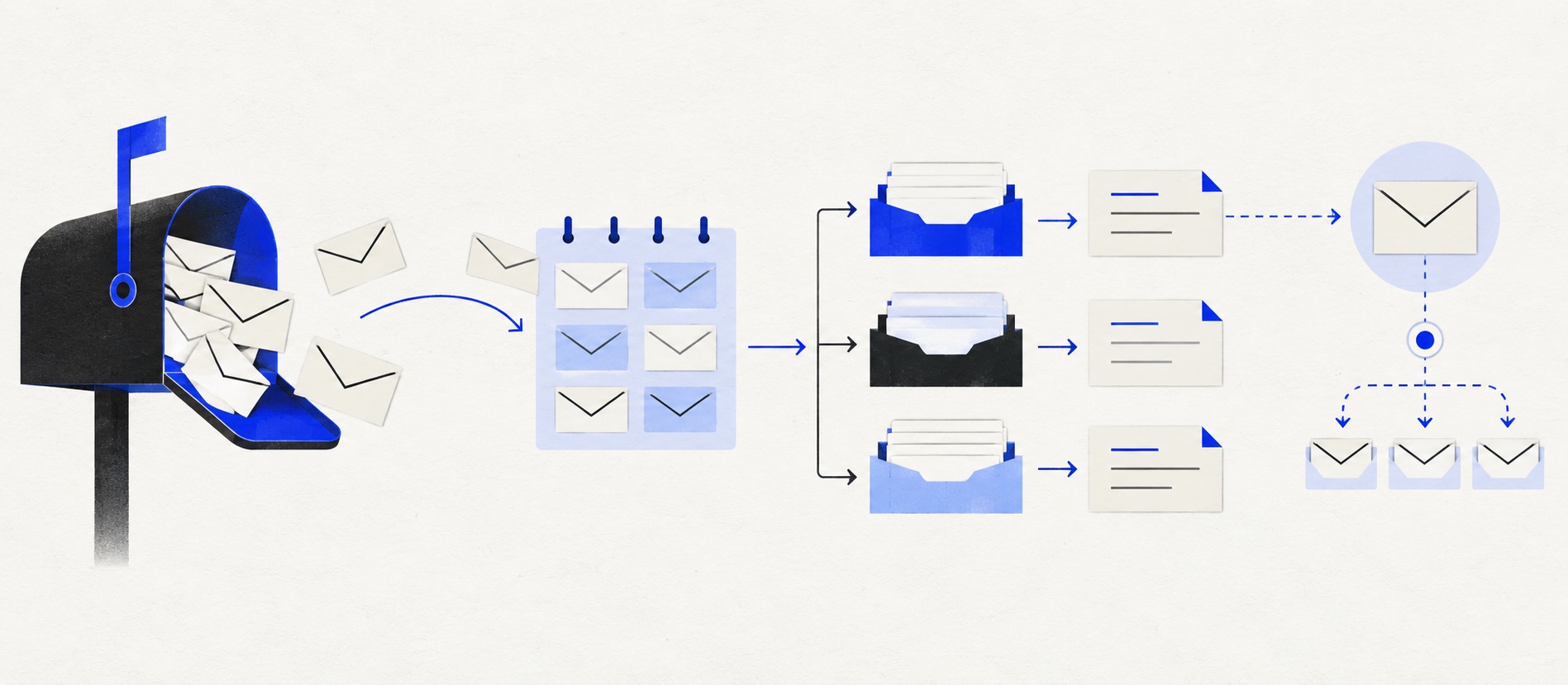
Keep Outlook when the queue is small, permissions are clear and folder discipline provides enough visibility.
HelpDesk is the focused alternative; Freshdesk, Zoho Desk and Zendesk support a more developed service operation.
HubSpot is strongest when the existing problem is fragmented CRM context rather than email itself.
Product shortlist
Five credible alternatives to an Outlook support mailbox
Official logos identify each product.

HelpDesk
Best for: Small teams that want ticketing, website chat and useful automation without an enterprise platform
A focused support workspace combining ticketing, a shared inbox, website chat, messaging channels, automation and reporting in one entry plan.
$19 per user/monthEssential, billed annually; checked September 2026
Useful strengths
- Ticketing, website chat and messaging channels on Essential
- 14-day trial without a credit card
Watch for
- There is no permanent free plan
- Extra AI resolutions can add usage cost
- 14-day trial
- Email, chat and messaging
- Per-user pricing

Freshdesk
Best for: Growing teams that need proper ticketing, self-service, automation and reporting
A broad email-first help desk with ticketing, a shared inbox, a customer portal, knowledge base and out-of-the-box reporting on its entry paid plan.
$19 per agent/monthGrowth, billed annually; checked September 2026
Useful strengths
- Ticketing, shared inbox and knowledge base on Growth
- Clearer route into routing, SLAs and custom reporting
Watch for
- Omnichannel needs differ from the email-first Freshdesk plan
- AI and connector usage can add cost
- Free trial
- Email-first help desk
- Per-agent pricing

Zoho Desk
Best for: Budget-conscious teams and businesses already using the Zoho ecosystem
The free edition covers three users and email ticketing. Paid tiers add broader messaging, knowledge-base, reporting, automation and telephony capabilities in stages.
Free for 3 usersPaid plans vary by selected billing currency; checked September 2026
Useful strengths
- Three-user free edition
- Broad channel and Zoho integration range
Watch for
- Plan and currency selectors make budgeting less immediate
- Live chat and advanced routing are plan-dependent
- 15-day trial
- Free edition
- Three users on free plan

Zendesk
Best for: Teams that expect multiple channels, mature routing and increasing operational complexity
The Support Team plan supplies core email ticketing, routing, analytics and automations. The broader Suite adds live chat, messaging, telephony and a knowledge base.
£15 per agent/monthSupport Team, paid yearly; checked September 2026
Useful strengths
- GBP pricing and a clear entry ticketing plan
- Strong upgrade path for multichannel operations
Watch for
- Suite Team rises to £45 per agent/month
- Small teams may buy more process than they need
- 14-day trial
- GBP pricing available
- Per-agent pricing

HubSpot Service Hub
Best for: Businesses that want support, sales and marketing activity on one customer record
Free tools cover basic ticketing, inbox and live chat. The dedicated advanced help-desk workspace, knowledge base, SLAs and deeper routing are concentrated in Professional and Enterprise.
Free for up to 2 usersProfessional from $90/seat/month annually plus onboarding; checked September 2026
Useful strengths
- Support history beside CRM, sales and marketing data
- Free entry tools and a large integration marketplace
Watch for
- Advanced help desk features require a large price jump
- Professional has mandatory onboarding cost
- 14-day trial
- CRM-connected service
- Two users on free tools
An Outlook shared mailbox is a legitimate way to run a small customer-support address. Microsoft documents that authorised users can access one mailbox and send replies from the shared identity. The mailbox includes email, calendar and contacts, fitting naturally into an organisation already using Microsoft 365.
Its limitation is not email delivery. It is the operating layer around the email. Folder moves, flags and categories can suggest ownership, but they do not always create an enforced ticket state, collision control, service reporting or a complete customer history.
Outlook first, alternatives second
| Route | Best for | Strength | Watchpoint |
|---|---|---|---|
| Microsoft shared mailbox | Small Microsoft 365 team | Familiar email, calendar and contacts | Service ownership and reporting |
| HelpDesk | Focused support queue | Tickets plus website chat | Essential rule limit |
| Freshdesk | Growing help desk | Portal, knowledge and analytics | Pro upgrade cost |
| Zoho Desk | Value-led team | Free edition for 3 users | Tier boundaries |
| Zendesk | Mature service operation | Channels and service depth | Suite and add-on cost |
| HubSpot Service Hub | CRM-connected service | One customer record | Professional and onboarding |
Microsoft states that a shared mailbox can hold up to 50 GB without a separate licence assigned to that mailbox. The tenant needs a business subscription containing Exchange Online, and the people accessing it normally have user licences. Features, archive needs and mailbox size can change licensing, so verify current Microsoft terms.
1. HelpDesk: the focused replacement
HelpDesk Essential costs $19 per user each month annually and combines email ticketing with website chat. It is the most direct option when the current problem is ownership rather than a desire for a large service platform.
Messages gain explicit assignees, statuses, private notes and a searchable history. The team can replace improvised folders such as “Tamara”, “Waiting” and “Done” with states that support reporting and handover.
Count the proposed automation before choosing Essential, which includes three ticketing rules. Also model its AI allowance and the first likely upgrade.
2. Freshdesk: support operations and self-service
Freshdesk Growth is $19 per agent each month annually and includes a portal, knowledge base and standard analytics as well as email ticketing. It suits a team whose Outlook problem is one part of a wider need for customer-service structure.
Pro at $55 adds more advanced routing, multiple service policies and custom dashboards. If those are already requirements, use Pro in the cost comparison.
Freshdesk is a strong route for companies that want to establish help content and a managed queue together. Its standard packages are email-first; compare Freshdesk Omni separately for broader channels.
3. Zoho Desk: free entry for three users
Zoho Desk's permanent free edition supports up to three users, giving a small Microsoft 365 team a low-risk way to test ticket-based work. It can be especially useful when licence cost has delayed the move away from folders and flags.
The free edition is not every paid Zoho Desk feature. Map automation, reports, knowledge and integrations to the correct tier. If another Zoho application already holds customer data, ecosystem fit may strengthen the choice.
Zoho Desk is the value option, but Microsoft-to-Zoho account and identity administration should be included in the setup assessment.
4. Zendesk: the deeper service platform
Zendesk Support Team starts at £15 per agent each month annually in the UK. Suite Team is £45 and adds the broader service proposition. Zendesk is appropriate when the team needs structured channels, help-centre capability and a developed route into service management.
This is a larger step from Outlook. Fields, forms, views and policies need governance. The organisation should appoint an owner and migrate only useful folder or category logic.
Choose Zendesk for named operational requirements, not because Outlook feels basic. Its depth pays off when the service team will use and maintain it.
5. HubSpot Service Hub: the CRM-led alternative
HubSpot offers free service tools for two users and Starter from $7 per seat each month annually. Its central advantage is attaching support activity to the same CRM record used by other customer-facing teams.
This solves a different Outlook problem: agents or account owners may currently lack shared context even when email handling is acceptable. If the company already uses HubSpot, Service Hub can reduce manual copying and fragmented timelines.
Advanced support workflows may require Professional at $90 per seat annually plus a $1,500 onboarding charge. Price that boundary before choosing on the free or Starter offer.
What Outlook already does well
Outlook is familiar, integrates with the Microsoft identity and administration environment, and supports a shared sender identity. A shared mailbox can include calendar and contacts, which is useful for general enquiries or reception work as well as support.
For a disciplined two-person queue, folders, categories and agreed shifts may be sufficient. Native search and retention policies can also matter to regulated teams. A migration should preserve or improve governance rather than bypass it.
Keep Outlook if every message reliably has one owner, outstanding work is visible, managers can obtain the few measures they need and channels remain email-only. Set objective triggers for reconsideration.
Where shared mailboxes strain
A folder is not necessarily an owner. Two people can open or draft a reply, and moving a message may not explain why it is waiting. Sent messages and conversation history can become difficult to interpret across access methods. Notifications and add-in behaviour can also vary by Outlook client and setup.
Reporting is usually the clearest gap. Counting messages does not reveal response, resolution, reopen or contact reason consistently. Manual spreadsheets increase the risk that the reporting process costs more than the insight.
Routing, service targets, private collaboration, customer-level context and a knowledge programme are further signs that the team needs a support system rather than a more elaborate folder tree.
A safe Microsoft 365 migration
Confirm mailbox permissions, retention, compliance and sending-domain requirements with the Microsoft 365 administrator. Decide whether the help desk will connect directly, forward messages or use another supported method. Avoid shared credentials.
Pilot one address or a defined stream. Test inbound messages, replies to existing threads, From identity, attachments, spam, automatic replies and failure behaviour. Keep the original mailbox accessible according to the retention plan, but nominate one operational source of truth.
Map only useful folders and categories. Define assignee, status and escalation first. Reconcile counts during the pilot and prevent agents from replying in both systems. Document rollback before changing mail flow.
Pricing beyond the mailbox licence
The Microsoft mailbox may not require its own licence below 50 GB, but user subscriptions and administration still have cost. A help desk adds per-agent or usage charges, implementation and possibly AI, channel or integration fees.
At five agents, HelpDesk Essential or Freshdesk Growth is $95 monthly on annual billing. Zendesk Support Team is £75, while Suite Team is £225. HubSpot's lower tiers may be cheaper, but Professional changes the model. Zoho's free route may cover three users; price the first paid tier too.
Value the reduced duplicate work, clearer backlog and faster onboarding using observed data. Do not claim savings based on every email becoming an automated ticket.
Final recommendation
Keep Outlook when a small email-only team works reliably within Microsoft 365. Choose HelpDesk for the smallest focused step, Freshdesk for self-service and ticket operations, Zoho Desk for value, Zendesk for specialist service depth or HubSpot for a shared CRM record.
The right alternative should solve a measured service problem and preserve the mailbox's security and identity strengths. Pilot before changing the complete mail flow.
Sources
- Microsoft: about shared mailboxes
- Microsoft: shared mailboxes and folders in Outlook
- Microsoft: open and use a shared mailbox
- HelpDesk pricing
- Freshdesk pricing
- Zendesk UK pricing
All provider facts come from official sources. Product-fit conclusions are Support Sorted's editorial judgement.
Frequently asked questions
Questions readers ask before choosing
Is a Microsoft 365 shared mailbox free?
Microsoft says a shared mailbox can store up to 50 GB without assigning a separate licence to the mailbox, but the organisation needs a Microsoft 365 business subscription with Exchange Online and users normally need licences. Advanced requirements can change the licensing position.
When should a team replace an Outlook shared mailbox?
Move when folder conventions no longer provide reliable ownership, agents collide on replies, managers cannot measure backlog or service, or the team needs automation, knowledge and customer history across channels.
What is the simplest Outlook shared inbox alternative?
HelpDesk is a focused step into ticket ownership and website chat. Freshdesk, Zoho Desk and Zendesk offer broader routes; HubSpot suits teams that need support tied to a CRM record.
Can we retain our support email address?
Usually yes. Help desks commonly connect or forward an existing Microsoft 365 address. Pilot the sending domain, From address, threading, permissions and rollback process before moving the whole queue.