
Self-service decision
Customer portal vs knowledge base
Understand the difference between a public knowledge base and signed-in customer portal, including ticket status, account data, access and software fit.
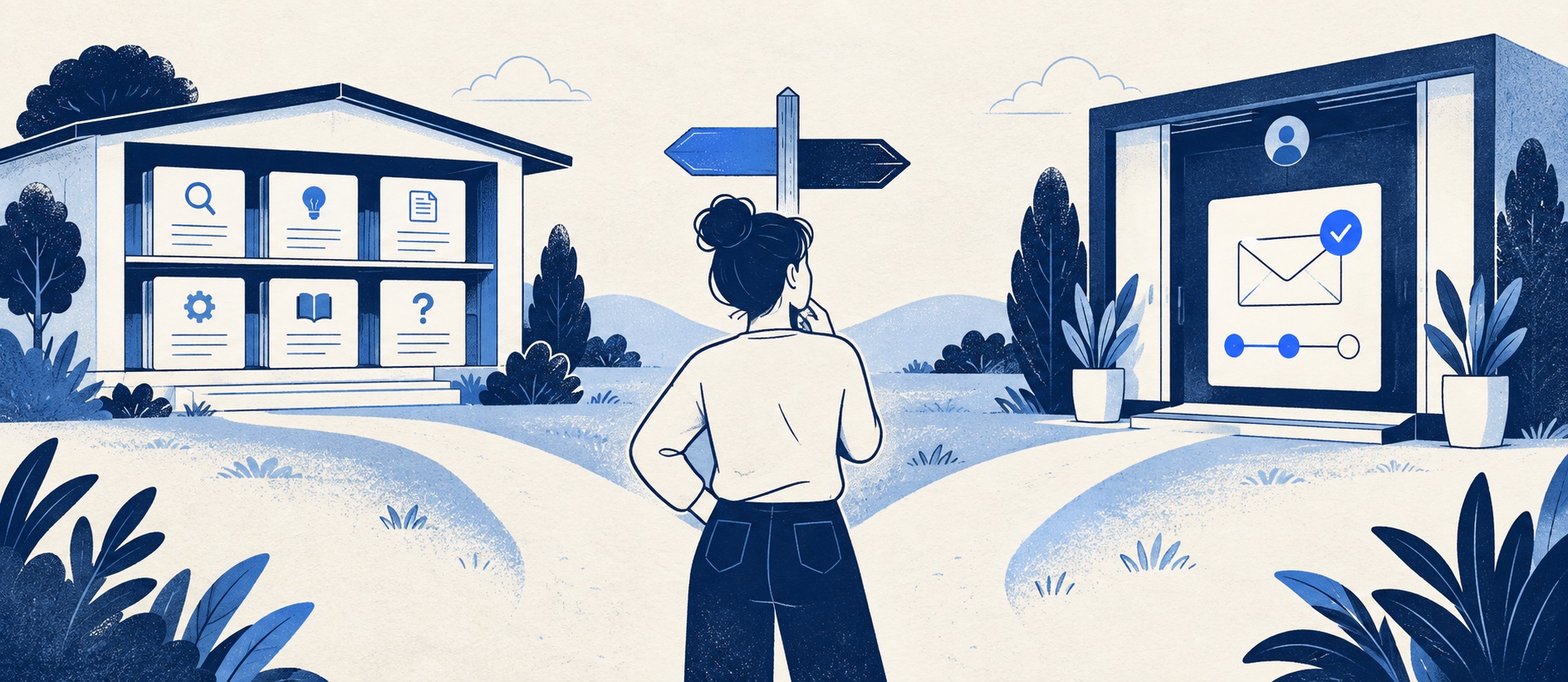
Keep general instructions open when they are safe for anyone to read.
Require authentication for individual tickets, orders, contracts and personal details.
Evaluate the complete journey from article to contact to signed-in status—not a portal checkbox.
Product shortlist
Platforms that can connect content and cases
Check whether the intended plan includes public articles, customer login, ticket history and the permissions your organisation needs.

Freshdesk
Best for: Growing teams that need proper ticketing, self-service, automation and reporting
A broad email-first help desk with ticketing, a shared inbox, a customer portal, knowledge base and out-of-the-box reporting on its entry paid plan.
$19 per agent/monthGrowth, billed annually; checked September 2026
Useful strengths
- Ticketing, shared inbox and knowledge base on Growth
- Clearer route into routing, SLAs and custom reporting
Watch for
- Omnichannel needs differ from the email-first Freshdesk plan
- AI and connector usage can add cost
- Free trial
- Email-first help desk
- Per-agent pricing

Zendesk
Best for: Teams that expect multiple channels, mature routing and increasing operational complexity
The Support Team plan supplies core email ticketing, routing, analytics and automations. The broader Suite adds live chat, messaging, telephony and a knowledge base.
£15 per agent/monthSupport Team, paid yearly; checked September 2026
Useful strengths
- GBP pricing and a clear entry ticketing plan
- Strong upgrade path for multichannel operations
Watch for
- Suite Team rises to £45 per agent/month
- Small teams may buy more process than they need
- 14-day trial
- GBP pricing available
- Per-agent pricing

HubSpot Service Hub
Best for: Businesses that want support, sales and marketing activity on one customer record
Free tools cover basic ticketing, inbox and live chat. The dedicated advanced help-desk workspace, knowledge base, SLAs and deeper routing are concentrated in Professional and Enterprise.
Free for up to 2 usersProfessional from $90/seat/month annually plus onboarding; checked September 2026
Useful strengths
- Support history beside CRM, sales and marketing data
- Free entry tools and a large integration marketplace
Watch for
- Advanced help desk features require a large price jump
- Professional has mandatory onboarding cost
- 14-day trial
- CRM-connected service
- Two users on free tools

Zoho Desk
Best for: Budget-conscious teams and businesses already using the Zoho ecosystem
The free edition covers three users and email ticketing. Paid tiers add broader messaging, knowledge-base, reporting, automation and telephony capabilities in stages.
Free for 3 usersPaid plans vary by selected billing currency; checked September 2026
Useful strengths
- Three-user free edition
- Broad channel and Zoho integration range
Watch for
- Plan and currency selectors make budgeting less immediate
- Live chat and advanced routing are plan-dependent
- 15-day trial
- Free edition
- Three users on free plan
A customer portal and a knowledge base often appear under the same “Help” navigation link, but they solve different problems. A knowledge base gives anyone a reusable answer. A portal may recognise a signed-in person, show their ticket history, allow them to reply to an open case or expose account-specific information. Conflating the two leads either to needless login walls or to private data appearing where it should not.
The decision is not which label sounds more modern. Ask what the customer is trying to do, whether the answer requires identity and what support work must continue after the page is read.
What a knowledge base does well
Public articles are appropriate for repeatable tasks and policies: setup, product use, eligibility, delivery rules, billing explanation and common error recovery. They can be found through website navigation, the help-centre search or an external search engine. An agent can link the same article in a reply, making the answer easier to keep consistent.
A good article states its scope, steps, expected result and next route if it fails. It cannot know which parcel belongs to a reader or whether that person's refund has been approved. The article can explain how to find a tracking number or request a refund, but the private state belongs elsewhere. Our knowledge-base build workflow shows how to launch a useful first set without turning every ticket into a page.
An internal knowledge base is a separate audience again. It may hold staff verification and decision steps that support the public article but should not be shared with all visitors. Audience permissions, not an obscure URL or noindex flag, enforce that boundary.
What a portal adds
A customer portal can provide authenticated access to submitted tickets, current status, replies, attachments and sometimes order or subscription data. It can let a customer update a case without starting a new email thread. Some portals also present suggested articles while a customer drafts a request, which may solve routine questions before a ticket is filed.
These features are valuable when customers have long-running cases, several contacts under one organisation or a need to see who is doing what. They also create operational obligations: accurate status labels, identity matching, notification preferences, appropriate permissions and a clear distinction between “received”, “being worked on” and “resolved”. A portal that shows stale status can be worse than a well-managed email reply.
Freshdesk describes a customer portal that can contain tickets, a knowledge base and a forum. Its knowledge-base categories and folders have visibility settings. Zendesk's help centre uses audience segments to control who can see content, while its broader Suite connects self-service with support operations. HubSpot's higher Service Hub tier includes a customer portal and knowledge base tied to CRM context. These capabilities differ by plan; a provider's free chat or entry ticket plan is not automatically a full portal.
A simple decision table
| Customer need | Best starting surface | Reason |
|---|---|---|
| Understand a public return policy | Knowledge-base article | No personal data is required to read the rule |
| Follow a specific refund request | Signed-in portal or direct support | The case and account must be verified |
| Try common setup steps | Knowledge-base article | The process is repeatable for many customers |
| See an organisation's open tickets | Portal with role permissions | Access and membership must be controlled |
Many businesses need both surfaces. The public article explains how to begin and when a person is needed; the portal carries the individual record. The link between them should not discard context. If a reader follows an article and still submits a case, the agent should know what they tried where the platform and privacy choices permit it.
Design the handoff and permissions
Test a realistic journey: a visitor searches “change delivery address”, reads the policy, signs in because their order is already dispatched, creates a request, then returns later to see a reply. Can they tell what happens next? Is the previous article available to the agent? Does the portal expose only their own order and case? Try an account with multiple users, a closed ticket and a request submitted by email rather than the portal.
Avoid requiring login too early. A person who wants a public instruction may abandon if the first screen demands an account. Conversely, never expose account status merely to keep self-service friction low. Privacy and identity controls outweigh a smoother but unsafe page. The internal-versus-external guide covers which article details should remain staff-only.
Portal status must have an operational definition. If “resolved” means the agent has sent a reply but the customer still needs to act, explain that. Notifications should bring customers back to the right case without creating duplicate tickets. If a customer replies to an email notification, confirm whether it updates the portal thread. The product demo should include this full cycle, not just a screenshot of a dashboard.
Choose software by the complete journey
Freshdesk is a practical starting point when a small team wants ticketing, a customer portal and knowledge articles together on its relevant paid plan. Zoho Desk offers a value-led route, but public versus private knowledge and portal capabilities must be checked by edition. Zendesk Suite offers more mature service breadth, while HubSpot is most compelling when the signed-in service journey needs to sit beside a broader CRM record. A lightweight publishing site may suffice when customers do not need individual case tracking.
Price the plan containing the actual portal and access features. Trial with non-admin customer accounts and agents. Check mobile, keyboard use, article search, case status, attachments, email reply and export. The right outcome is a trustworthy route from general answer to individual help, not simply a portal icon on a vendor comparison table.
Sources
- Freshdesk on customer-portal ticket and knowledge sections
- Freshdesk on knowledge-base visibility
- Zendesk on help-centre audience segments
- HubSpot Service Hub pricing
The portal decision framework is editorial guidance; verify permissions and plan inclusions in the current vendor account.
Frequently asked questions
Questions readers ask before choosing
Is a customer portal the same as a knowledge base?
No. A knowledge base is reusable help content. A portal is a broader customer-facing area that may include articles plus authenticated ticket, account or order functions.
Do customers need to log in to read help articles?
Not usually for general instructions. Require login for information tied to a person's account or case, but avoid creating friction for a public answer that contains no private data.
Can a knowledge base show ticket status?
A standalone public article cannot safely show an individual's case status. A help-centre product may combine articles with a signed-in portal that exposes that information to the right person.
Which should a small team build first?
Publish a small, useful public answer set first if routine questions dominate. Add authenticated portal functions when customers need to submit, follow or manage their own cases and the team can maintain access and identity controls.