
Support operating model
When to move beyond a shared email inbox
Learn when a shared support mailbox stops working, how to measure the cost of missed ownership, and whether a help desk is the right next step.
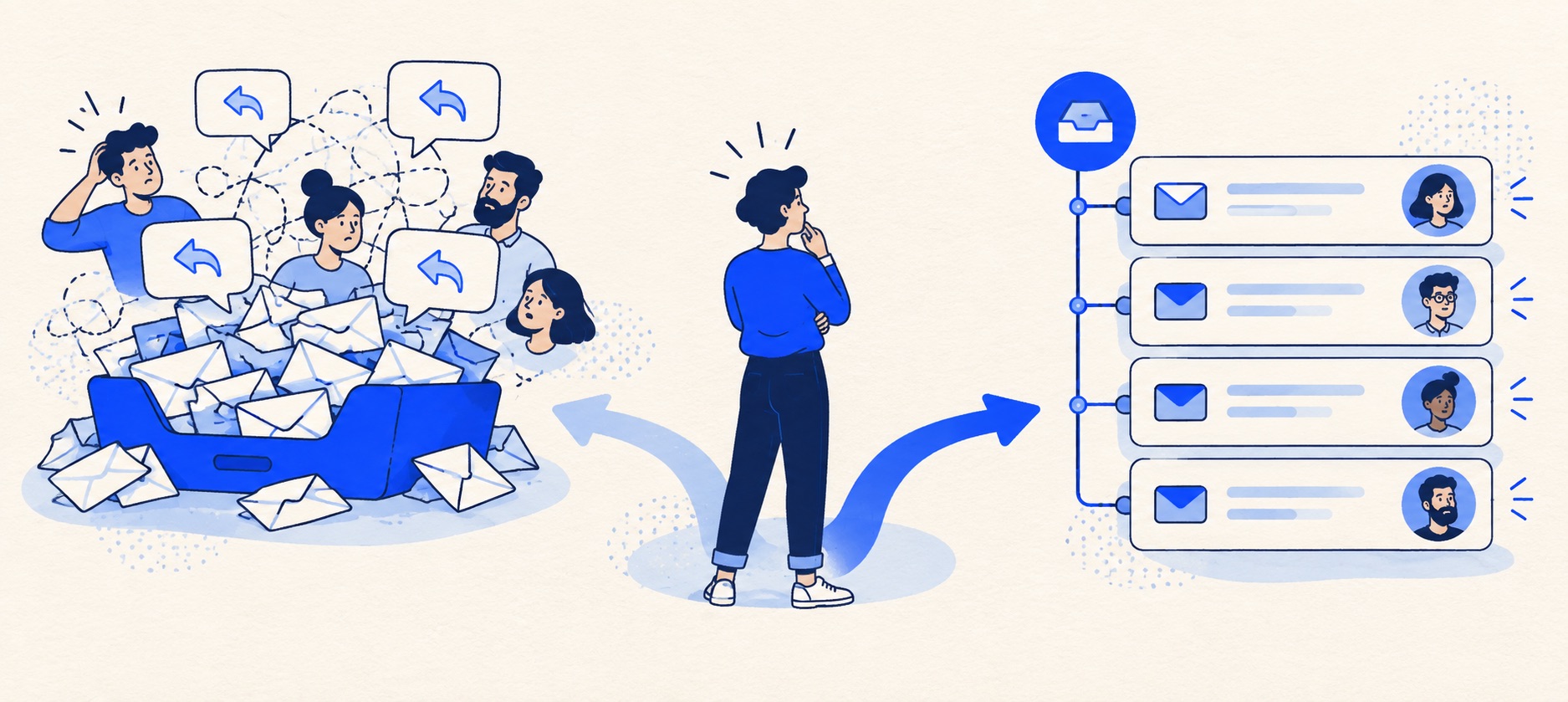
Audit a fortnight of conversations for unowned work, duplicate replies and overdue follow-ups.
Compare the real cost of an inbox workaround with the complete cost of a help desk.
Pilot one address and keep a single reply owner during the changeover.
Product shortlist
Products to test if an inbox is no longer enough
These products represent different next steps, from a focused email queue to a broader service platform.

HelpDesk
Best for: Small teams that want ticketing, website chat and useful automation without an enterprise platform
A focused support workspace combining ticketing, a shared inbox, website chat, messaging channels, automation and reporting in one entry plan.
$19 per user/monthEssential, billed annually; checked September 2026
Useful strengths
- Ticketing, website chat and messaging channels on Essential
- 14-day trial without a credit card
Watch for
- There is no permanent free plan
- Extra AI resolutions can add usage cost
- 14-day trial
- Email, chat and messaging
- Per-user pricing

Freshdesk
Best for: Growing teams that need proper ticketing, self-service, automation and reporting
A broad email-first help desk with ticketing, a shared inbox, a customer portal, knowledge base and out-of-the-box reporting on its entry paid plan.
$19 per agent/monthGrowth, billed annually; checked September 2026
Useful strengths
- Ticketing, shared inbox and knowledge base on Growth
- Clearer route into routing, SLAs and custom reporting
Watch for
- Omnichannel needs differ from the email-first Freshdesk plan
- AI and connector usage can add cost
- Free trial
- Email-first help desk
- Per-agent pricing

Zoho Desk
Best for: Budget-conscious teams and businesses already using the Zoho ecosystem
The free edition covers three users and email ticketing. Paid tiers add broader messaging, knowledge-base, reporting, automation and telephony capabilities in stages.
Free for 3 usersPaid plans vary by selected billing currency; checked September 2026
Useful strengths
- Three-user free edition
- Broad channel and Zoho integration range
Watch for
- Plan and currency selectors make budgeting less immediate
- Live chat and advanced routing are plan-dependent
- 15-day trial
- Free edition
- Three users on free plan

HubSpot Service Hub
Best for: Businesses that want support, sales and marketing activity on one customer record
Free tools cover basic ticketing, inbox and live chat. The dedicated advanced help-desk workspace, knowledge base, SLAs and deeper routing are concentrated in Professional and Enterprise.
Free for up to 2 usersProfessional from $90/seat/month annually plus onboarding; checked September 2026
Useful strengths
- Support history beside CRM, sales and marketing data
- Free entry tools and a large integration marketplace
Watch for
- Advanced help desk features require a large price jump
- Professional has mandatory onboarding cost
- 14-day trial
- CRM-connected service
- Two users on free tools

Zendesk
Best for: Teams that expect multiple channels, mature routing and increasing operational complexity
The Support Team plan supplies core email ticketing, routing, analytics and automations. The broader Suite adds live chat, messaging, telephony and a knowledge base.
£15 per agent/monthSupport Team, paid yearly; checked September 2026
Useful strengths
- GBP pricing and a clear entry ticketing plan
- Strong upgrade path for multichannel operations
Watch for
- Suite Team rises to £45 per agent/month
- Small teams may buy more process than they need
- 14-day trial
- GBP pricing available
- Per-agent pricing
A shared inbox is often the right first support tool. It gives customers one address and lets a small team see the same correspondence. The problem is not that email becomes unfashionable. It is that a mailbox rarely explains, on its own, who is accountable for the next action, when the customer should hear back, and which conversations are stuck.
Do not buy a help desk solely because the business has hired a third support person or reached an arbitrary daily email number. Buy one when the work needs a reliable queue and the team cannot maintain that queue inside the current system without repeated manual effort.
The decision in one view
| Observation | Inbox response | Help desk response |
|---|---|---|
| Two agents answer the same customer | Agree a claim-before-reply rule | Use visible assignment and collision checks |
| Follow-ups vanish during leave | Maintain a shared due-date list | Use status, owner and reminders in one queue |
| Urgent cases look like ordinary email | Use a small, reviewed label set | Route by explicit priority and escalation rules |
| Leaders cannot explain the backlog | Review folders and a manual register | Report age, owner and outcome from ticket data |
| Customers use several channels | Keep each channel separate and reconcile daily | Check whether the required channels combine cleanly |
This is not a feature checklist. Each row is a cost or risk to measure. A help desk may solve the queue problem, but it also introduces configuration, agent access, billing and change-management work.
Run a fortnightly inbox audit
Take ten to fourteen working days of enquiries and record when each arrived, who first read it, who replied, whether a second person also worked on it, and when it actually finished. Mark any case that required a reminder outside the mailbox, a handover in chat or a customer chasing for an update. Do not read private material into the audit unnecessarily; a small anonymised sample can reveal the pattern.
Separate preventable failures from genuinely difficult cases. A supplier delay may be outside the team's control; failing to tell the customer about it is not. Measure the count of unowned open conversations at the end of each day and the age of the oldest one. If nobody can produce those numbers without opening each message, that is itself a useful finding.
Ask the agents what work they do to keep the inbox usable. Colour-coded labels, personal reminders and a spreadsheet can be sensible at first, but they are not free. Estimate the minutes spent maintaining them and the cost of mistakes they fail to prevent. This makes the purchase question concrete rather than aesthetic.
Signs that a mailbox has become a risky queue
The strongest signal is unclear ownership. Someone assumes a colleague is replying; the colleague assumes the opposite. Duplicate replies are visible and embarrassing, but silent non-replies are usually worse. The second signal is a handover that relies on a private message or memory. An incoming agent should be able to see the customer's question, what has been checked, what was promised and the next action.
The third signal is that different kinds of work need different treatment. A refund request, a software outage and a product question should not share an undifferentiated first-in-first-out inbox. The fourth is that management needs a trustworthy picture of volume and backlog to staff the team or improve self-service.
One incident does not prove that the tool is inadequate. Look for a repeated pattern after you have introduced a simple owner rule and a daily sweep. If those modest practices fix the issue, a new subscription can wait. If the practices are too fragile to survive holidays or busy periods, a help desk deserves a trial.
When a better shared inbox is enough
The next step is not always a full help desk. A collaborative inbox can provide assignment, notes and basic visibility while preserving an email-first feel. Google describes taking and assigning conversations in its Collaborative Inbox documentation. That is a more substantial workflow than simply sharing a login, though it still may not provide the service policies and reporting a growing operation needs.
For a two-person business with mostly straightforward correspondence, focus on three questions: can each message have one visible owner, can another person see the next action during absence, and can the team find an old answer? If yes, keep the simpler system. An advanced help desk is not a badge of maturity.
If support is tied to CRM activity, an inbox inside an existing CRM may also be a sensible intermediate step. Test whether the team can actually manage the daily queue there, rather than assuming that customer records alone provide a support workflow.
What a help desk should change
A ticket creates a durable unit of work. It can carry an owner, status, private note, due time, customer history and an audit trail of updates. The value is that a colleague can pick up the case without reconstructing it from email folders. A useful help desk also makes exceptions visible: reopened cases, tickets waiting on the customer, aged tickets and work at risk of missing a promise.
That structure can go wrong if every message creates duplicate tickets, statuses are ambiguous or automation assigns work to someone unavailable. The trial therefore needs real messages, not only a demonstration. Ask one agent to take a case, hand it to another, pause it while waiting for information, and close it. Then ask a manager to find that case in the backlog report.
Which product path fits the problem?
HelpDesk is the focused route when the team mainly handles email and needs ownership, notes and a clean queue. Confirm that the intended edition's rules and reporting are enough. Freshdesk gives more room for a portal, knowledge and growing ticket operations; test the plan that includes the required automation rather than assuming every capability is on the entry tier.
Zoho Desk is worth evaluating when cost is decisive and the team can work within its edition limits. Its free entry can be useful for a small team, but migration and workflow capabilities may require paid plans. HubSpot Service Hub makes sense when sales and service genuinely need one customer record; confirm which help desk features the selected tier includes. Zendesk fits a more formal multi-channel operation, but its setup weight can be excessive for a few simple emails.
These are starting points based on channel needs, ownership and plan scope. Our small-team ticketing comparison explains the commercial differences, while help desk pricing helps model the whole cost. Compare the plan that supports your actual queue before using a product button above.
Calculate the cost of staying and switching
Start with the current cost: paid inbox tooling, time spent assigning and searching, the effort of manual reporting, and the likely consequence of missed or duplicated replies. Then price the candidate system at the plan actually needed, including every responding agent, onboarding, integrations and future channel costs. A lower subscription can be more expensive if it makes a common task slower.
Compare one quiet week and one peak week. A help desk that saves ten minutes a day but takes several days to configure may be worthwhile over a year; a tool that solves a rare annoyance may not. Write the intended benefit before the trial: “Every open request has an owner and a next action by the end of the day.” That can be checked.
Do not use a vendor's published average-response improvement as a forecast for your team. The benefit depends on existing discipline, question mix and staffing. Your own baseline is more useful than a generic percentage.
A low-risk move
Choose one support address or enquiry type for a pilot. Agree which system is authoritative and prevent two agents from replying through different interfaces. Test forwarding, replies to existing threads, attachments, aliases, spam handling and customer-facing signatures before announcing the change. Keep open cases visible in one place and decide what older history should remain in an archive.
After a week, compare the new queue with the audit. Are fewer cases unowned? Are handovers understandable? Can the manager see ageing work without a manual register? If not, identify whether the failure is the tool or the process. Our migration guide gives a full cutover sequence.
Bottom line
Stay with a shared inbox while its ownership and follow-up rules are simple and reliable. Move beyond it when repeated exceptions demand a visible, reportable queue. The right purchase is the smallest system that makes the team's next action clear to both the current agent and the next one.
Sources and further reading
- Google Workspace: make a group a Collaborative Inbox documents native assignment and completion behaviour.
- Microsoft Learn: recipient mailbox permissions explains the distinct access and sending permissions relevant to a shared mailbox.
- Zendesk: migrating information from another platform shows why historical import needs separate planning.
Product-fit recommendations and the audit method are Support Sorted's editorial guidance.
Frequently asked questions
Questions readers ask before choosing
How many emails a day justify a help desk?
There is no reliable universal threshold. A small number of complex cases with several owners can justify ticketing, while a larger stream of simple enquiries may remain manageable in a disciplined shared inbox.
Can a shared mailbox show who owns each conversation?
Some collaborative inboxes support assignment, but an ordinary shared mailbox may depend on conventions or folders. Test whether ownership is visible, survives absence and can be reported without manual checking.
Should we move all old emails into the new help desk?
Usually start with open cases and an agreed recent history. Import only records that are useful and lawful to retain; keep an accessible archive for older material when a full migration adds more risk than value.
Is a help desk necessary for a two-person team?
Not automatically. If two people can reliably claim, hand over and close work with the existing tool, keep it. If they repeatedly duplicate replies or lose follow-ups, a simple ticket queue may earn its cost.