
Support process templates
Customer-support workflow templates
Adapt practical customer-support workflow templates for triage, handovers, complaints, refunds, incidents and follow-up, with clear owners and outcomes.
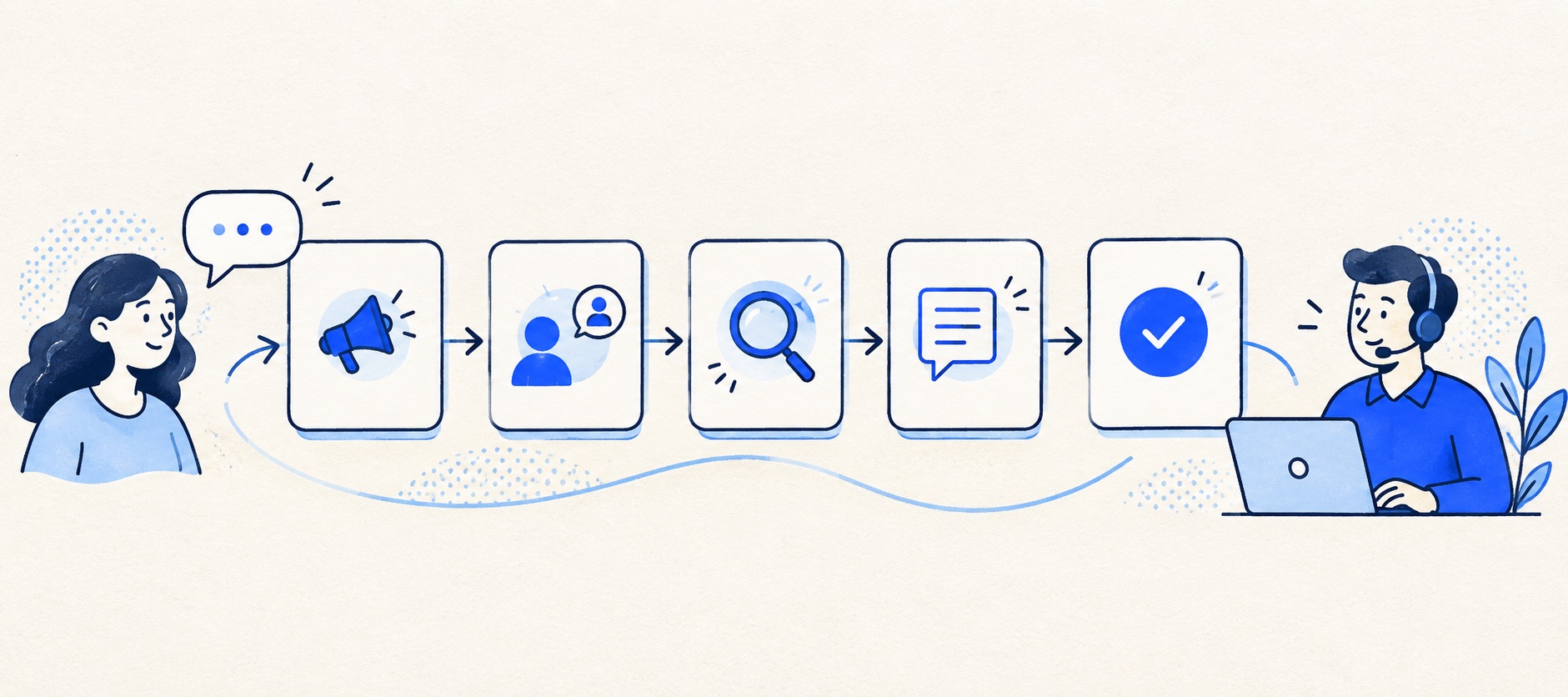
Start with one default path and add exception workflows only when they change an outcome.
Name a customer-facing owner even when another team performs specialist work.
Test every template with a real example before turning it into automation.
Product shortlist
Places to run these workflows
A shared inbox or help desk can hold the same operating rules.

HelpDesk
Best for: Small teams that want ticketing, website chat and useful automation without an enterprise platform
A focused support workspace combining ticketing, a shared inbox, website chat, messaging channels, automation and reporting in one entry plan.
$19 per user/monthEssential, billed annually; checked September 2026
Useful strengths
- Ticketing, website chat and messaging channels on Essential
- 14-day trial without a credit card
Watch for
- There is no permanent free plan
- Extra AI resolutions can add usage cost
- 14-day trial
- Email, chat and messaging
- Per-user pricing

Freshdesk
Best for: Growing teams that need proper ticketing, self-service, automation and reporting
A broad email-first help desk with ticketing, a shared inbox, a customer portal, knowledge base and out-of-the-box reporting on its entry paid plan.
$19 per agent/monthGrowth, billed annually; checked September 2026
Useful strengths
- Ticketing, shared inbox and knowledge base on Growth
- Clearer route into routing, SLAs and custom reporting
Watch for
- Omnichannel needs differ from the email-first Freshdesk plan
- AI and connector usage can add cost
- Free trial
- Email-first help desk
- Per-agent pricing

Zoho Desk
Best for: Budget-conscious teams and businesses already using the Zoho ecosystem
The free edition covers three users and email ticketing. Paid tiers add broader messaging, knowledge-base, reporting, automation and telephony capabilities in stages.
Free for 3 usersPaid plans vary by selected billing currency; checked September 2026
Useful strengths
- Three-user free edition
- Broad channel and Zoho integration range
Watch for
- Plan and currency selectors make budgeting less immediate
- Live chat and advanced routing are plan-dependent
- 15-day trial
- Free edition
- Three users on free plan

HubSpot Service Hub
Best for: Businesses that want support, sales and marketing activity on one customer record
Free tools cover basic ticketing, inbox and live chat. The dedicated advanced help-desk workspace, knowledge base, SLAs and deeper routing are concentrated in Professional and Enterprise.
Free for up to 2 usersProfessional from $90/seat/month annually plus onboarding; checked September 2026
Useful strengths
- Support history beside CRM, sales and marketing data
- Free entry tools and a large integration marketplace
Watch for
- Advanced help desk features require a large price jump
- Professional has mandatory onboarding cost
- 14-day trial
- CRM-connected service
- Two users on free tools

Zendesk
Best for: Teams that expect multiple channels, mature routing and increasing operational complexity
The Support Team plan supplies core email ticketing, routing, analytics and automations. The broader Suite adds live chat, messaging, telephony and a knowledge base.
£15 per agent/monthSupport Team, paid yearly; checked September 2026
Useful strengths
- GBP pricing and a clear entry ticketing plan
- Strong upgrade path for multichannel operations
Watch for
- Suite Team rises to £45 per agent/month
- Small teams may buy more process than they need
- 14-day trial
- GBP pricing available
- Per-agent pricing
A workflow template is useful only if a colleague can pick up a case and know what to do next. Many teams write long process diagrams but leave the essential questions unanswered: who owns the customer update, when does the case become waiting, and what counts as resolved?
The templates here are short operating patterns, not vendor-specific settings. Copy the parts that fit into a shared inbox convention, a help desk configuration or a training note. Replace example roles and time promises with the team's actual coverage and authority. Test each pattern on a real case before automating it.
The reusable ticket record
| Field | What to record | Why it matters |
|---|---|---|
| Customer request | Problem and desired outcome in plain words | Prevents solving the wrong issue |
| Owner | One person responsible for the next update | Stops silent gaps and duplicates |
| State | New, working, waiting or resolved | Makes the queue intelligible |
| Evidence | What has been checked and where | Avoids repeated investigation |
| Promise | What the customer was told and when | Protects continuity during handover |
| Next action | Action, owner and review point | Keeps waiting work from disappearing |
Use these fields consistently. If a new field does not change a decision or report, leave it out. The aim is a record that is quick to maintain and useful to the next person.
Template 1: New enquiry triage
Trigger: a customer message arrives through a supported channel. Owner: the person on queue duty claims it or assigns it to a named colleague. First action: confirm the contact is genuine, identify the request and check for an existing open conversation. Customer update: acknowledge receipt within the published service window if a substantive answer is not immediately possible. Done condition: an owner, category and next action are visible.
Do not force every message through a complicated form. The triage decision is whether the team can answer now, needs more information, or must involve another group. If two issues appear in one message, decide whether one owner can coordinate both or whether separate tickets are needed. Avoid making the customer explain everything twice.
Test the template with a routine question, spam, a forwarded email and a repeat customer. The repeat case should link to useful history, not silently merge unrelated people with the same name.
Template 2: Missing information
Trigger: the team cannot act without an order number, error detail, account identifier or other essential fact. Owner: the current customer-facing agent. Action: ask for the minimum information needed and explain why. State: waiting for customer, with a review date. Done condition: the customer replies and the case returns to the active queue, or the team closes it under a stated follow-up policy.
Do not request sensitive credentials or more personal information than the task requires. A good request is specific: “Please send the order number from the confirmation email” is better than “Please provide more details.” Where several facts are needed, group them in one clear message to avoid a chain of small delays.
Test what happens when the customer replies after the case is marked resolved. It should be visible to a person rather than falling into an ignored closed folder.
Template 3: Specialist handover
Trigger: a case needs engineering, finance, fulfilment or another specialist. Customer-facing owner: the original support agent unless reassignment is explicit. Internal note: state the symptom, evidence gathered, impact, promised update and exact question for the specialist. Customer update: explain that the matter is being checked and give a realistic next update point. Done condition: the specialist's conclusion is translated into a clear customer action or explanation.
Avoid assigning a ticket to a shared specialist queue and assuming the customer will be updated. The support owner should chase the internal dependency and keep the customer informed. For a remote team, the note must make sense without a private chat conversation.
Test the handover when the specialist is unavailable. The queue should reveal the blockage and escalation route.
Template 4: Complaint or service failure
Trigger: a customer reports harm, repeated failure or dissatisfaction that ordinary troubleshooting will not resolve. Owner: someone with authority to coordinate the response. Action: record the specific impact, acknowledge it without defensiveness, investigate the sequence and identify what can be fixed. Customer update: set a review point and explain any immediate protective step. Done condition: the customer receives an accurate outcome and the underlying failure has an owner for improvement.
Do not classify every unhappy message as a major incident, but do not bury a pattern of complaints under “general enquiry”. Make the route for sensitive or potentially serious matters clear to agents. A saved apology can help with tone, yet the substance must reflect the facts of the case.
The internal closeout should distinguish a solved customer request from a product or process defect still open elsewhere. Both can be true at once.
Template 5: Refund or account change
Trigger: the customer requests a financial or account action. Owner: a support agent coordinates, while an authorised person or system performs the change. Action: verify identity using the organisation's approved method, confirm the policy and the exact action requested, then obtain any required approval. Customer update: explain what has happened, not what an automation merely queued. Done condition: the change is recorded in the source system and the customer receives an accurate confirmation.
Do not treat a keyword as authorisation. Routing can be automated, but a refund, deletion or account permission change needs an appropriate control. Test the difference between “customer asked”, “approved”, “action completed” and “customer informed”. Those are separate states.
For ecommerce, the product's store integration may show order data or support certain actions; check the precise connector. The Shopify guide and WooCommerce guide explain why connector depth cannot be assumed.
Template 6: Incident and high-volume event
Trigger: many customers report the same outage, delivery disruption or product fault. Owner: a designated incident lead for the overall issue, while individual ticket owners remain responsible for customer follow-up. Action: link related cases, maintain one verified status and publish an update route. Customer update: give the known impact and next expected update without inventing a fix time. Done condition: the underlying issue is resolved, affected customers receive the relevant outcome and duplicate cases are reconciled.
Use a single source of truth for incident facts. Saved replies can speed up consistent updates, but someone must review each change before sending. A customer with a distinct urgent consequence may still need individual handling even when the root cause is shared.
Afterwards, count contacts by cause and identify whether a better status page, delivery notice or knowledge article could prevent repeated enquiries next time.
Template 7: Resolution and follow-up
Trigger: the promised action is complete or a clear answer has been provided. Owner: the customer-facing agent. Action: summarise what changed, what the customer should do, and any remaining limitation. State: resolved, with a clear reopen route. Done condition: the customer has a usable answer and the internal record explains the outcome.
Do not close a case simply because a reply was sent. A question may remain unanswered, a refund may be pending, or a specialist may still owe an update. Make “resolved” a customer outcome, not an agent activity count. Review reopened cases weekly; a high reopen rate can reveal premature closure or unclear answers.
Put the templates into a tool
HelpDesk can hold the core owner/status/note pattern for an email-led team. Freshdesk and Zendesk offer broader routing and service-policy paths where several queues are needed. Zoho Desk can be a value-led route, but check edition limits before automating the templates. HubSpot Service Hub suits a workflow that depends on CRM context and linked teams.
Start manually, then use small-team automation for the predictable parts. HelpDesk's rule documentation and Zoho Desk's workflow guidance show how triggers, conditions and actions can implement a stable process. They do not decide the process for you.
Review the templates as the business changes
Assign a document owner and a review date. Update the refund route when policy or authorisation changes, the incident route when on-call coverage changes, and the handover template when teams reorganise. Ask agents which steps they actually use and where the template causes unnecessary work.
Retire paths that no longer change an outcome. A small team should be able to explain its workflow on one page, even if the help desk implements it through several settings. If the process is hard to teach, simplify before adding another automation.
Sources and further reading
- HelpDesk: manage rules for trigger-and-action configuration.
- Zoho Desk: workflow rules for another vendor's automation model.
- Google Groups: take and assign conversations for an inbox-first ownership route.
These templates and product-fit recommendations are Support Sorted's editorial guidance; teams should adapt them to their own policy and authority.
Frequently asked questions
Questions readers ask before choosing
Can these templates be used without a help desk?
Yes. A shared inbox and a short team note can implement the same owner, next action and closure rules. A help desk becomes useful when the team needs those decisions visible and reportable at scale.
How many support workflows should a small team have?
Start with one default workflow plus a small number of exceptions that materially change priority, approval or customer communication. Too many paths make training and ownership harder.
Should the customer see internal status names?
Not necessarily. Internal statuses help the team manage work; customer updates should explain the real next step and expected timing in plain language.
Can we automate these workflows immediately?
First run a few examples manually and check edge cases. Automate predictable routing and reminders; keep sensitive decisions, refunds and substantive promises under human review.