
Software cost guide
Free help desk plan limits
Check free help desk seats, channels, history, automation, security and upgrade paths before relying on a £0 plan for customer support.
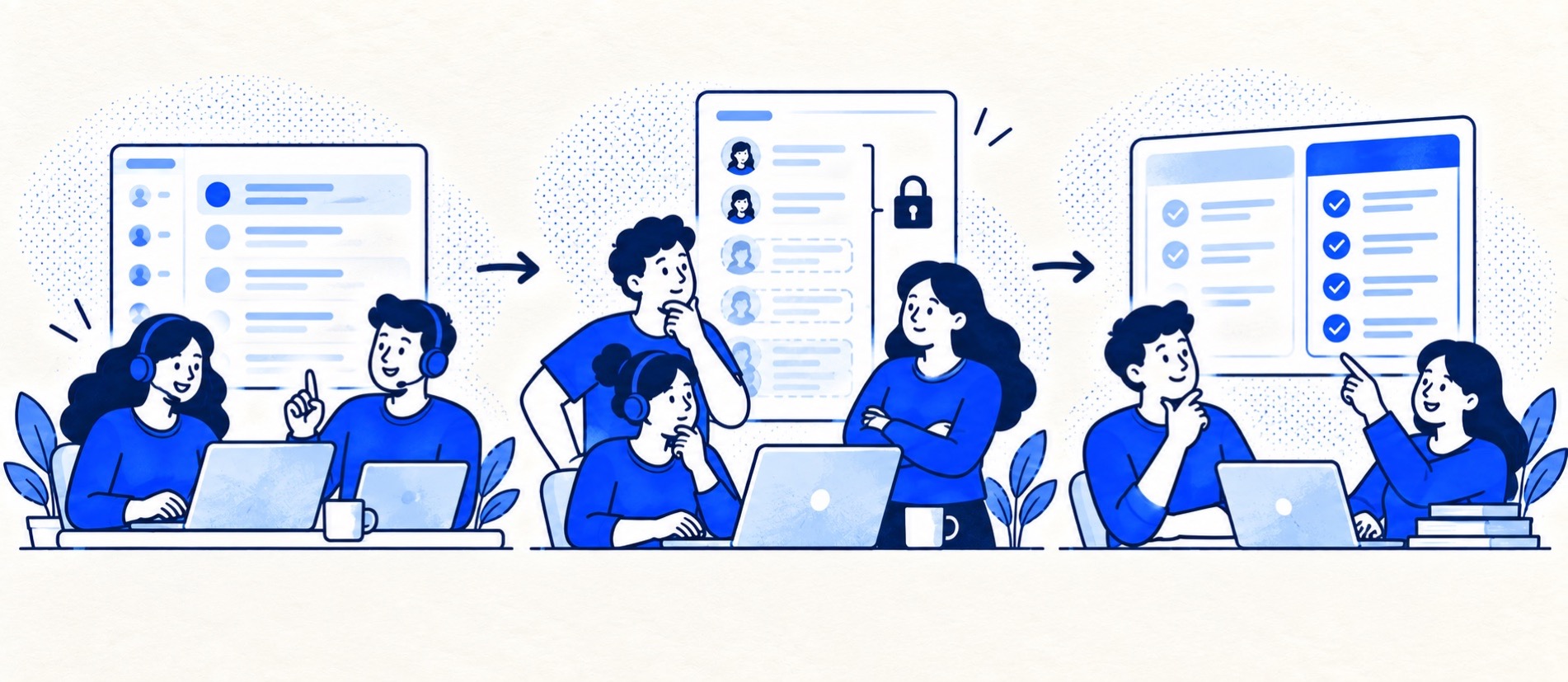
Distinguish a permanent free plan from a time-limited trial.
Test the first feature or seat limit your team is likely to hit.
Confirm data export and permission controls before importing history.
Product shortlist
Free-entry products to examine
Zoho Desk and HubSpot offer free-entry routes; Tidio's free chat allowance serves a different use case. Check Freshdesk's current offer rather than assuming an older free tier remains available.

Zoho Desk
Best for: Budget-conscious teams and businesses already using the Zoho ecosystem
The free edition covers three users and email ticketing. Paid tiers add broader messaging, knowledge-base, reporting, automation and telephony capabilities in stages.
Free for 3 usersPaid plans vary by selected billing currency; checked September 2026
Useful strengths
- Three-user free edition
- Broad channel and Zoho integration range
Watch for
- Plan and currency selectors make budgeting less immediate
- Live chat and advanced routing are plan-dependent
- 15-day trial
- Free edition
- Three users on free plan

HubSpot Service Hub
Best for: Businesses that want support, sales and marketing activity on one customer record
Free tools cover basic ticketing, inbox and live chat. The dedicated advanced help-desk workspace, knowledge base, SLAs and deeper routing are concentrated in Professional and Enterprise.
Free for up to 2 usersProfessional from $90/seat/month annually plus onboarding; checked September 2026
Useful strengths
- Support history beside CRM, sales and marketing data
- Free entry tools and a large integration marketplace
Watch for
- Advanced help desk features require a large price jump
- Professional has mandatory onboarding cost
- 14-day trial
- CRM-connected service
- Two users on free tools

Tidio
Best for: Small online businesses wanting website chat, ticketing, flows and optional AI in one workspace
A chat-first support workspace with a free 50-conversation monthly allowance, ticketing and separately metered Lyro AI and Flows options.
Free for 50 conversations/monthStarter from $24.17/month annually for 100; checked September 2026
Useful strengths
- Permanent free customer-service allowance
- Shopify app, chat and ticketing in one workspace
Watch for
- Human conversations have a monthly quota
- Lyro AI and Flows have separate allowances and charges
- Free tier
- Conversation-volume pricing
- Optional AI agent

Freshdesk
Best for: Growing teams that need proper ticketing, self-service, automation and reporting
A broad email-first help desk with ticketing, a shared inbox, a customer portal, knowledge base and out-of-the-box reporting on its entry paid plan.
$19 per agent/monthGrowth, billed annually; checked September 2026
Useful strengths
- Ticketing, shared inbox and knowledge base on Growth
- Clearer route into routing, SLAs and custom reporting
Watch for
- Omnichannel needs differ from the email-first Freshdesk plan
- AI and connector usage can add cost
- Free trial
- Email-first help desk
- Per-agent pricing
A free help desk can be a sensible way for a very small team to stop losing customer messages. It can also become an awkward holding area if the essential channel, second team member or export route is unavailable. “Free” describes the subscription price, not the complete operating cost or the right to use every feature.
Start by deciding whether you need ticket ownership at all. A shared email inbox may still be enough for a sole trader. If you do need a queue, write down the minimum workflow—support address, assigned owner, private notes, customer reply, search and safe access—before comparing free plans.
Separate free plans from trials
Zoho Desk's pricing page describes a permanent free edition for three users with limited capabilities. HubSpot's Service Hub pricing has free tools but reserves more advanced help-desk capability for paid tiers. Tidio's pricing includes a free conversation allowance around chat and ticketing; that is not interchangeable with a full email-first help desk. Provider offers can change, so check the current feature grid and the exact date a trial would end.
If a provider only offers a trial, plan what happens to the support address and open tickets when it expires. A trial may permit features that disappear on the free edition. Test the permanent state, not only the generous trial state.
Test the limits that matter
| Area | Test in the free account | Upgrade signal |
|---|---|---|
| People | Who can reply, supervise and collaborate? | Another paid seat or role is needed |
| Channels | Can the team receive and answer its real contact channels? | Chat, social or extra mailboxes need a paid plan |
| Workflow | Can you assign, hand over and find overdue cases? | Automation or SLAs become essential |
| Insight | Can you export and review open work and response quality? | Useful reporting is unavailable |
| Control | Can you limit access and remove a departing user promptly? | Permissions or account protection are insufficient |
Do not treat a missing feature as a nuisance if it affects customer trust. A team can live without a custom dashboard; it may not be able to live without ownership or a secure handover. Read the security checklist before moving sensitive support conversations into any free workspace.
Price the first paid step
Model the moment you add a fourth user, a second support address or automated routing. Zoho's plan comparison shows that free and paid editions differ beyond user count. Some products change the seat basis when you upgrade, so the “first paid seat” is not always the full bill. Look for minimum users, annual-only discounts and whether existing free users remain free after an upgrade.
Also calculate staff time. Manually moving tickets between mailboxes, copying history into a spreadsheet or recreating a report every week is a cost. The total-cost method helps make that visible. If a free product is only a short bridge, decide how you would export customers, conversations and attachments before importing years of data.
Run a small permanent-plan pilot
Create a few representative cases, including a handover, an after-hours ticket and an export. Try the product at the access level and limits you intend to use. Remove a test user and confirm ownership survives. Check that customers can still reply to the same conversation. The best free plan is not the one with the longest feature list; it is the one that reliably covers your actual workflow until a planned upgrade.
Apply the upgrade triggers to defined teams
This checklist is our desk-based interpretation of public plans checked September 2026. “Documented” means the linked source establishes that capability at that level; “unresolved” means further documentation is needed, not that the capability is absent. None of these scenarios claims observed results.
| Must-have | Public boundary | Action in the budget |
|---|---|---|
| Four replying users | Zoho Desk Free provides three licences | Free is ineligible; price every required paid licence, not only the fourth |
| Use beyond an introductory period | Freshdesk Free Program is limited to two agents and six months | Budget the paid continuation; the introductory £0 does not establish a free year |
| Customer-facing knowledge base | Zoho Standard lists it; HubSpot places the knowledge-base route in Professional | Do not assume free inbox tools include the paid self-service capability |
| Custom reporting | Zoho Standard lists custom reports; generic free reporting is not proof of a named report | Specify fields, filters and export; leave unresolved reports unpriced until verified |
| Recurring Lyro AI use | Tidio states the first 50 Lyro conversations are lifetime, not monthly | Price paid Lyro separately; do not reset the initial allowance each month |
| Granular access or store integration | A free licence alone establishes neither required permissions nor an integration's licence | Record exact role/connector documentation; otherwise mark eligibility unresolved |
Scenario A: two people answering email
Assume two replying users, one support address, assigned ticket ownership and private collaboration, with no required live-chat channel, customer help centre or custom report. Zoho's three-user email entry passes the explicit user-count and email checks. Confirm ownership and collaboration against the Free edition's detailed features before declaring the complete workflow eligible. HubSpot's free tools offer an alternative inbox route; verify account limits and the required permissions rather than assuming a CRM licence grants every service function.
The budget result is therefore “free entry worth assessing”, not “guaranteed £0 total cost”. Add setup hours, any connector charge and an exit route. If one unverified must-have remains, the recommendation stays conditional even while the subscription price is zero.
Scenario B: the fourth support colleague
Keep the same workflow but require four people to reply. Zoho's three-user cap creates a definite upgrade trigger; the fourth colleague cannot simply be appended free. If the eligible paid rate is p per user per month in the selected currency, the recurring base becomes 4 × p, or 48 × p across twelve months. The three former free users are not deducted from the paid licence count.
For a fictional £12 monthly paid rate, that means £48 monthly and £576 across twelve unchanged months, not £12 and £144. The £12 is illustrative, not a current Zoho quote. Select the local currency, term and eligible edition before substituting a published rate.
Scenario C: two people with self-service and custom insight
Now require a public help centre and a configurable ticket report while retaining two users. Headcount fits a free entry route, but headcount is no longer the deciding boundary. Zoho Standard documents knowledge-base and custom-report capabilities; HubSpot's Professional route changes the service budget considerably. Confirm the exact report and role requirements before comparing those paid tiers.
A team can cross a feature boundary months before crossing a user cap. Record the first must-have that fails, the eligible next tier, whether all users become paid and the resulting commitment. This makes the requirements-to-plan matrix more useful than a list of free labels.
Keep a six-check upgrade record
For every candidate, complete users, channels, customer knowledge, required report, permissions and integrations. Give each check a source URL, named edition and status: included, excluded or unresolved. Do not average the six statuses into a score; one essential exclusion makes the plan ineligible. Recheck the free state after any introductory trial ends, because trial features are not evidence of permanent entitlement.
Set a review trigger such as “before the fourth user joins” or “before the help centre becomes a customer commitment”, rather than an invented usage limit. Link the chosen next tier to the year-one calculator so the paid transition is already visible in the budget. Free is useful when it meets the job; it should not become a reason to hide a foreseeable paid step.
Sources
- Zoho Desk pricing and free edition
- Zoho Desk plan comparison
- HubSpot Service Hub pricing
- Tidio pricing
The limit checklist and fit conclusions are Support Sorted's editorial judgement. Check current plan terms before signup.
Frequently asked questions
Questions readers ask before choosing
Is a free help desk plan permanent?
Some are, while others are trials or time-limited offers. Confirm the current terms and what happens when the trial ends.
What is the most important free-plan limit?
Usually the first limit your real workflow will hit: seats, channels, automation, reporting or a conversation allowance. It differs by team.
Can I export tickets from a free help desk?
Export access and format vary by provider and plan. Test a sample export before moving important customer history in.
Should I choose a free plan for security reasons?
A zero price says nothing about suitability. Check roles, account protection, data handling and the plan's actual controls against your risk before using it for sensitive cases.